11
7.5 USB DAC Mode
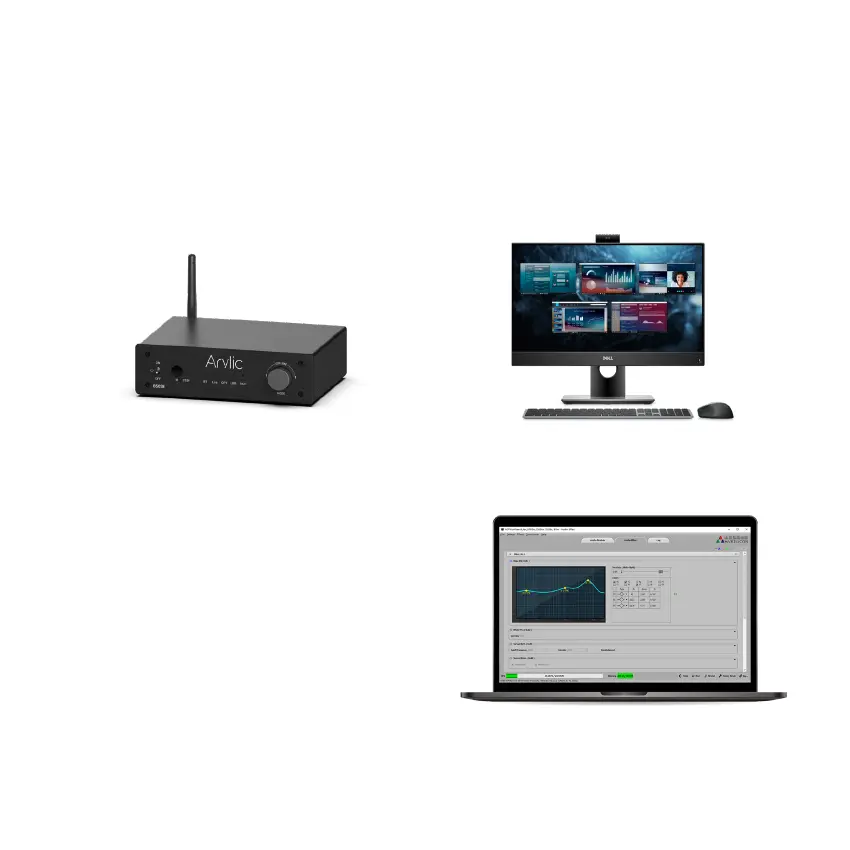
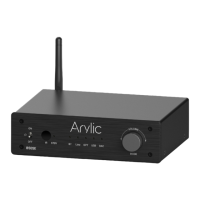
You can connect B50SE to your PC to work as an external USB stereo sound system using a USB
Type-C cable. Please make sure the cable you use is data link cable and not just a charging cable.
Some charging cable is only for battery charging and does not contain data link to transfer data.
You will need to select B50SE as the sound output device in your PC for it work. Look for the device
name call “Up2Stream USB Audio” and connect to it.
ACPWorkbench is a windows application that allows
you to tune B50SE audio effects conveniently,
including Music Noise Suppressor, Virtual Bass,
Stereo Widener, Exciter, 10 bands EQ and many
more. When tuning, it will have real-time feedback
and you can save and export the changes you
made for use in another B50SE device.
8. ACPWrokBench (Sell Separately)


 To Next Page