10
7.4 USB Disk Drive Playback Mode
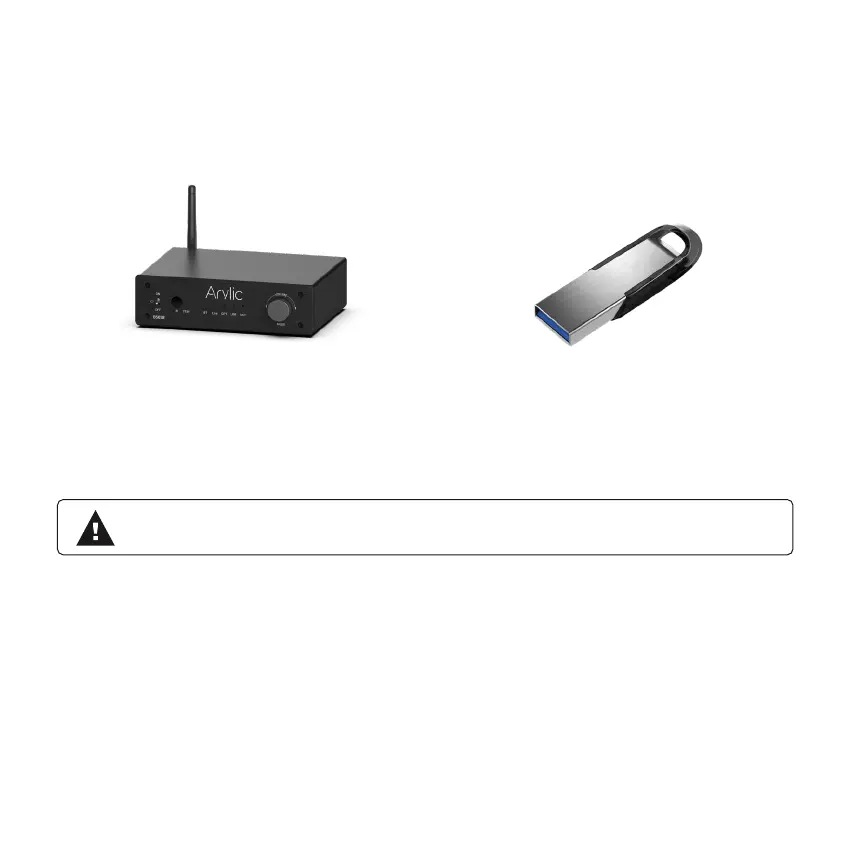
If you have many music les and you want to play them, you can store them in a USB disk drive and
playback from B50SE. Just plug in the USB disk drive with music les and B50SE will auto switch to
USB Mode and playback the music. The USB LED will turn on.
B50SE also has resume playback function, if you stop playing the music or switch to another source
input mode or unplug the USB disk drive, B50 will start from the last song being played when you enter
USB disk drive playback the next time.
* Please note the USB disk drive le format has to be Fat16/Fat32/exFat.
* Can support up to 128GB USB disk drive.


 To Next Page