EN 26
Ignition and adjustment
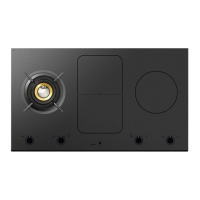
1. Place the pan in the middle of a cooking grid.
2. Press the key button.
A single audio signal sounds.
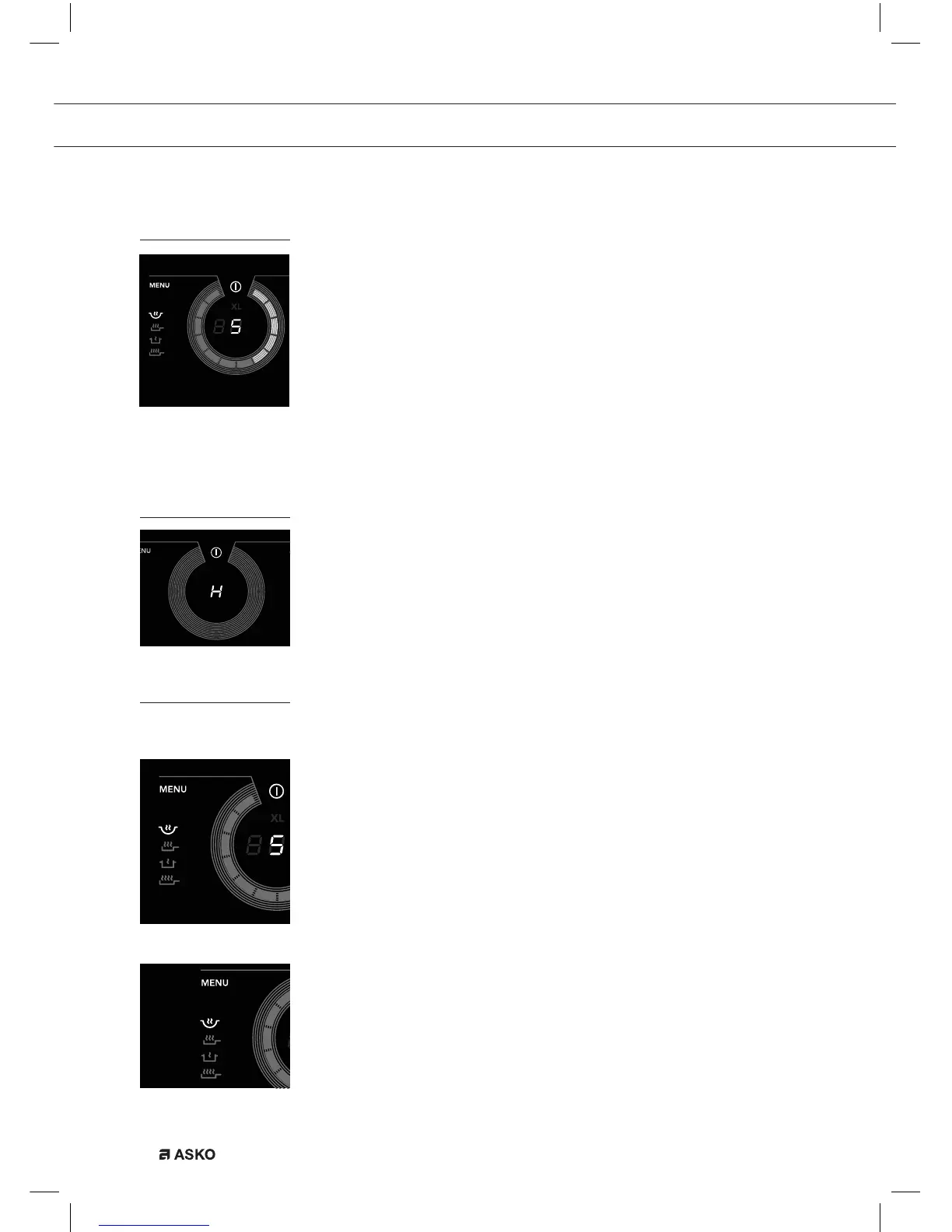
3. Press the on/off button of the wok burner. The burner will light and
will heat at setting 5.
Setting 5 will appear in the display and you will hear a single audio
signal.
4. Set a higher or lower setting by sliding over the slide control with
your finger or by tapping on the slide control. The burner can be set
at 12 settings.
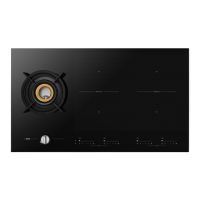
Residual heat indicator
After use, the wok burner may stay hot for several minutes.
As long as the burner is still hot, an ‘H’ will be visible in the display.
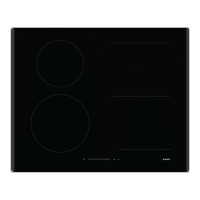
Menu function
The wok burner is equipped with 4 burner settings. The burner is set to
the wok setting automatically.
Use the ‘Menu’ button to select a ‘searing setting’, ‘simmer setting’ or
‘XL searing setting’.
Setting a burner setting
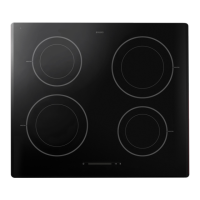
Press the menu button, or press and hold down the menu button to go
to the next menu function.
The selected cooking program automatically starts after 3 seconds.
The icon concerned will light up.
Wok setting
The wok setting provides concentrated heat to the core of the pan.
Use the wok grille provided to ensure that the wok remains stable.
WOK BURNER OPERATION


 To Next Page