EasyManua.ls Logo

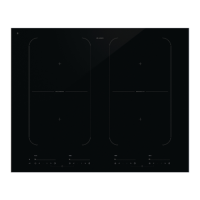
Asko HIHD854MF - User Manual

Asko HIHD854MF
72 pages
Print Icon
To Next Page IconTo Next Page
Loading...
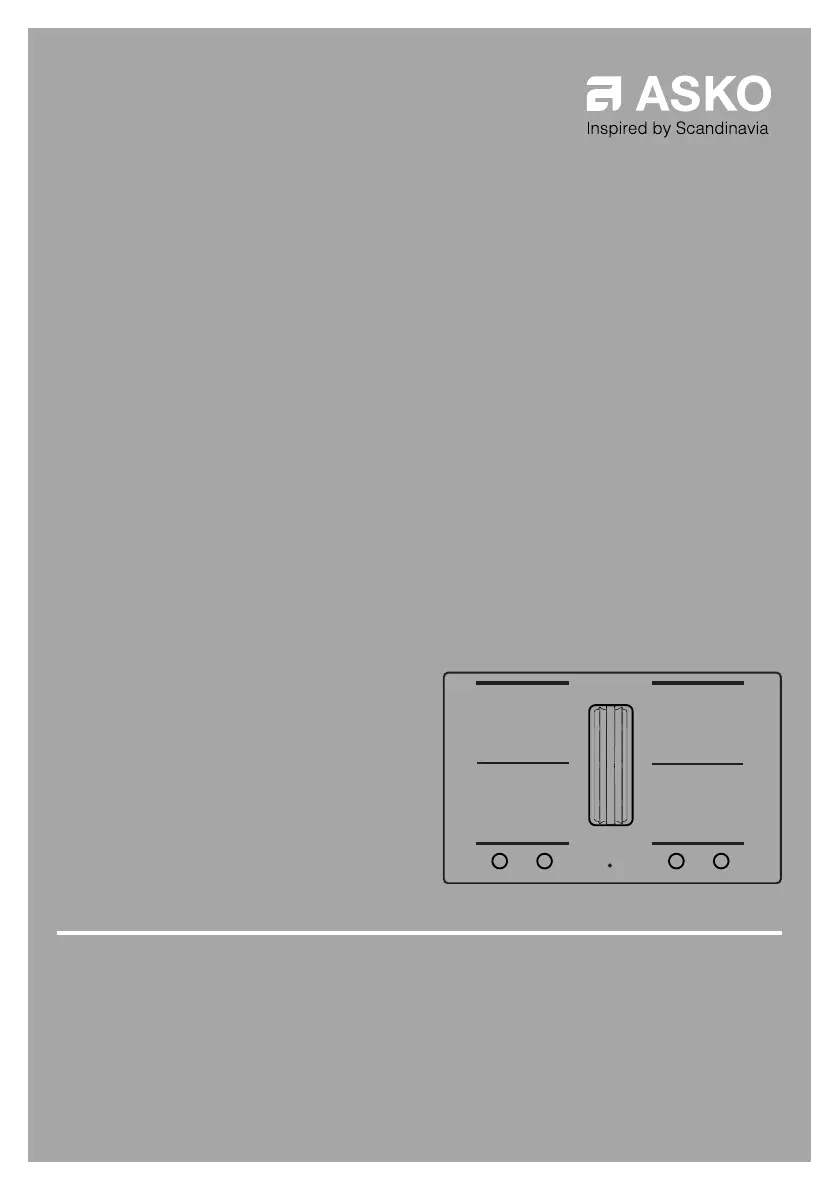
INSTRUCTIONS FOR USE
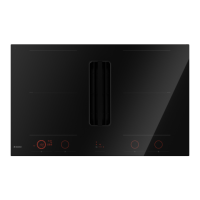
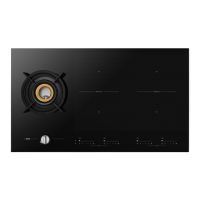
Induction hob with integrated extractor
EN
HIHD854MF
HIHD854GF
HIHD854MM

Questions and Answers

  • C
    Cory LambertSep 23, 2025
    Why does my Asko HIHD854MF Hob blow a fuse?
    • M
      Mrs. Kimberly NashSep 23, 2025
      If a fuse blows as soon as your Asko Hob is switched on, it indicates that the appliance is incorrectly connected. Check the electrical connections.
  • M
    Michelle TannerAug 23, 2025
    What does it mean when E8 appears on my Asko Hob display?
    • N
      Nathaniel HolmesAug 23, 2025
      If 'E8' appears on the display of your Asko Hob, it means the ventilator is blocked, possibly by an item in the drawer. To fix this, unblock the ventilator and disconnect the appliance from the main voltage for 10 seconds.
  • V
    Victoria PayneAug 25, 2025
    Why is my Asko HIHD854MF cooking zone flashing?
    • D
      danielrodriguezAug 25, 2025
      The display on your Asko Hob cooking zone may flash because the pan you are using is not suitable for induction cooking or has a diameter of less than 12 cm. Use a suitable pan.
  • W
    Wendy CarsonAug 27, 2025
    What to do if my Asko HIHD854MF Hob zone stops unintended?
    • R
      Rebecca BarberAug 27, 2025
      If a zone on your Asko Hob stops unexpectedly and the residual heat indicator is displayed, it means the zone is overheated. Allow the hob to cool down before continuing to cook.
  • M
    Mark HansonAug 27, 2025
    Why does my Asko HIHD854MF cooking zone suddenly stop working?
    • J
      James LittleAug 28, 2025
      If a cooking zone on your Asko Hob suddenly stops working and you hear a signal, it's likely that the preset time has ended. Turn off the signal by pressing the - or + key on the timer.
  • R
    Rebecca HernandezSep 18, 2025
    Why did the firmware update process fail on my Asko HIHD854MF?
    • P
      Patrick PowersSep 18, 2025
      If the firmware update process failed on your Asko Hob, it's likely due to a lost internet connection or terminated power supply. Ensure the power supply is not terminated and you have a stable internet connection before retrying.
  • K
    karen54Sep 15, 2025
    What causes other Wi-Fi problems with my Asko Hob?
    • P
      Phillip WardSep 15, 2025
      For other Wi-Fi problems with your Asko Hob, first disable the Wi-Fi and enable it again. Check that the internet connection in your home network is working. Repeat the connection setup if necessary.
  • B
    Bradley KennedySep 16, 2025
    Why is my home network not displayed on my Asko HIHD854MF?
    • T
      Thomas AndersonSep 16, 2025
      If your home network is not displayed during the connection setup process on your Asko Hob, it could be because the home network is not on 2.4 GHz, the network is hidden, or the signal strength is too weak. Please check the network settings. Ensure a 2.4 GHz and visible network. If the signal is too weak, try to move the network router closer to the appliance.
  • N
    nicholas47Sep 6, 2025
    What does E67 mean on my Asko Hob display?
    • P
      Pamela CarrilloSep 7, 2025
      If 'E67' is blinking together with the Celsius°Cooking™key on your Asko Hob, it means the Celsius°Cooking™ cookware is missing. Ensure the handle cap is mounted correctly; if it is, replace the battery.
  • J
    Jennifer CameronSep 4, 2025
    What to do if Celsius°Cooking™cooking method key is blinking on Asko Hob?
    • S
      scottericaSep 4, 2025
      If the set Celsius°Cooking™cooking method key is blinking together with the set temperature display while using the probe on your Asko Hob, it means the Celsius°Cooking™Probe is removed or not in touch with the content, or the temperature has fallen rapidly. Place the probe back or reposition it. Press the cooking method key if the probe isn't auto-detected.

Asko HIHD854MF Specifications

General IconGeneral
BrandAsko
ModelHIHD854MF
CategoryHob
LanguageEnglish

Related product manuals