Start Preparing
Three cooking modes are available:
1. Standard cooking with power levels.
2. Cooking with the PLUS menu.
3. Cooking with Celsius°Cooking™ by measuring cookware temperature (available depending on
the model)
Standard cooking
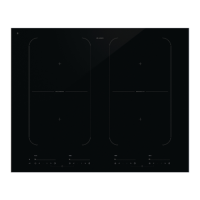
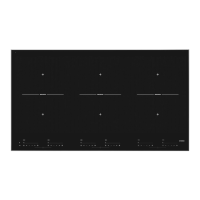
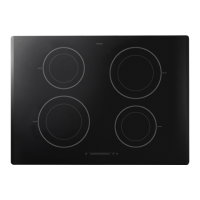
1. Place a pan on a cooking zone.
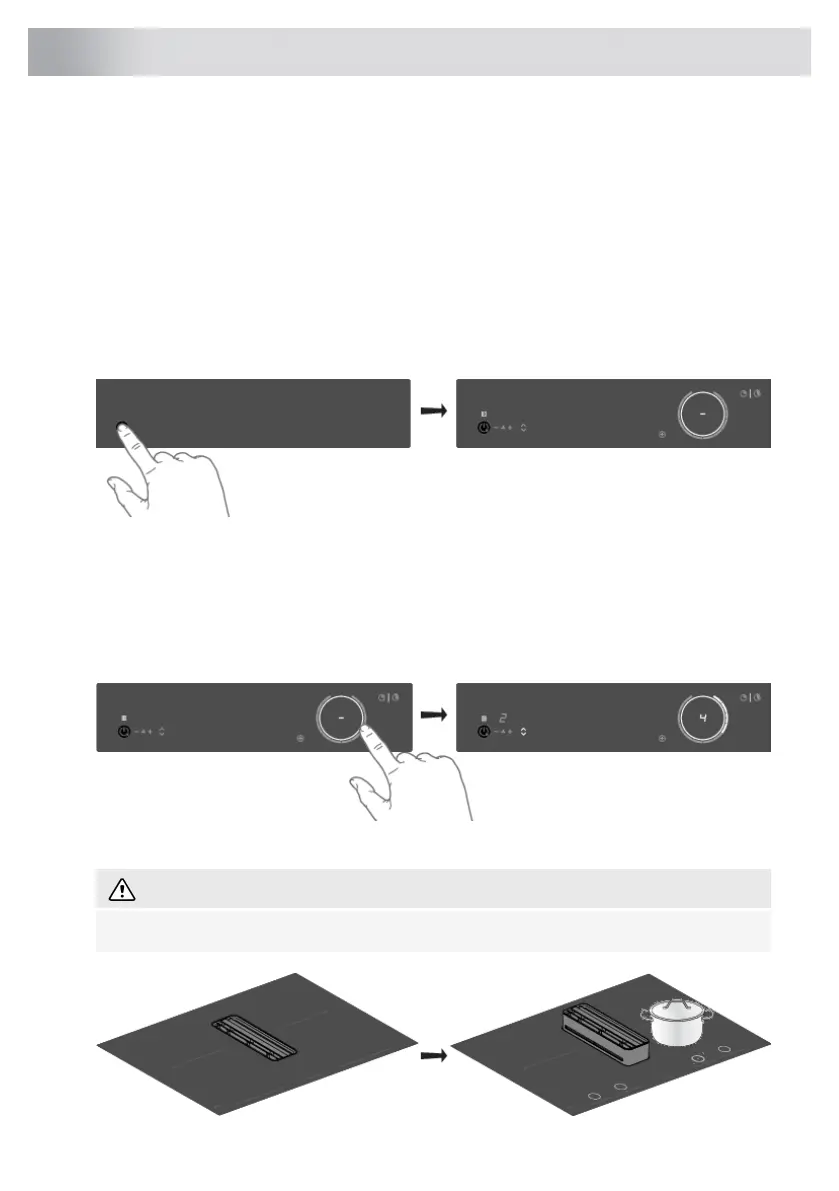
2. Touch the on/off key to switch on the hob.
• A single audio signal sounds.
• The inner rings will light up.
• All the sliders light up; then they gradually go out. The slider only remains lit for the selected
cooking zones on which you have placed a pan.
3. Slide with your finger over the slide control (clockwise) or tap with your finger on the slide control
to set the desired setting.
• The cooking zone starts automatically at the setting that has been set.
WARNING!
Depending on the settings, the tower can move up and down automatically.
26
Operation



 To Next Page