English
31
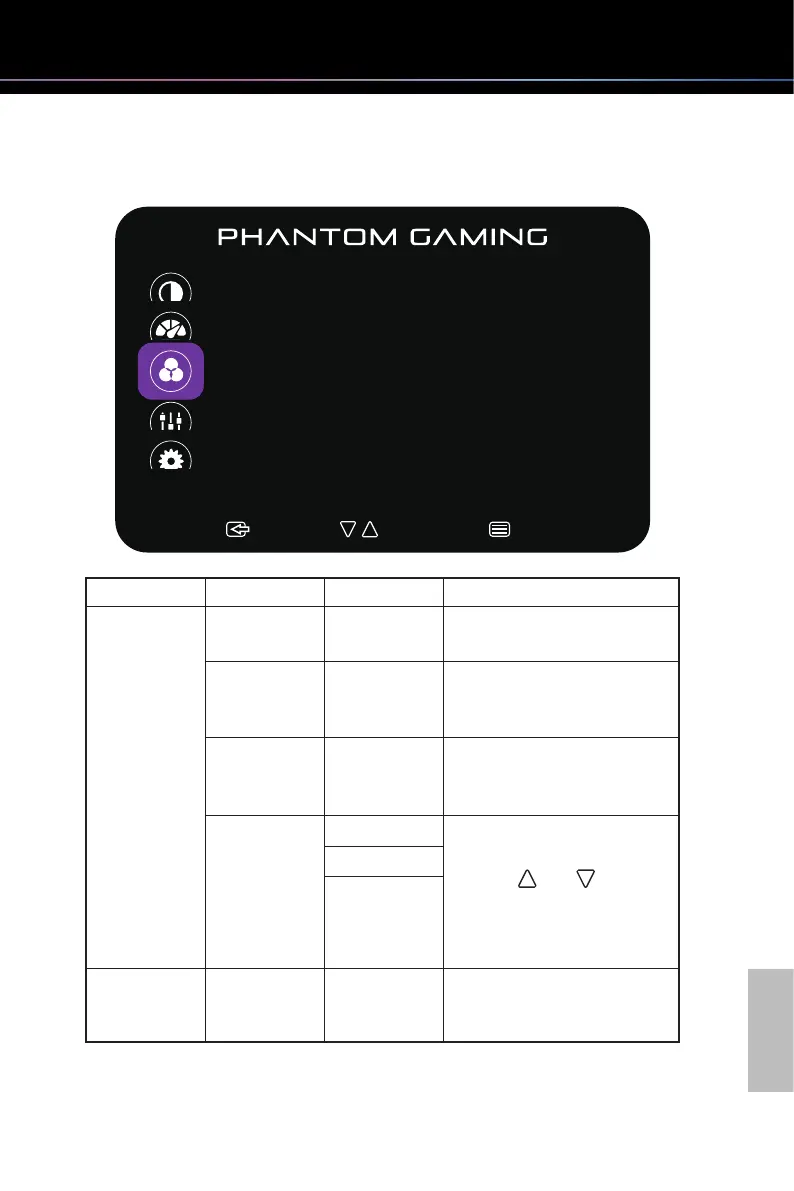
Funcon: Color Temp.
:Exit :Select:Move
Color Temp.
Color Temp.
Red
Green
Blue
Low Blue Light
Normal
96
94
100
0
Main Menu Item Sub Menu Item Sub Menu Description
Color Temp. Normal ─ Loads the monitor's default color
settings.
Warm ─ Increases the color temperature.
The screen appears warmer with
a red/yellow tint.
Cool ─ Decreases the color
temperature. The screen appears
cooler with a blue tint.
User Red Allows you to manually adjust
the color settings.
Press the and buttons
to adjust the three colors (Red,
Green, Blue) values and create
your own preset color mode.
Green
Blue
Low Blue Light 0-10 ─ Adjusts blue light reduction
from level 0 to 10 to prevent eye
strain.



 To Next Page