53
Switch on Menu 9 „Change TSB address“.
ye rd
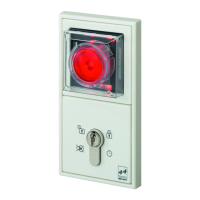
Turn the key to the left 9 times.
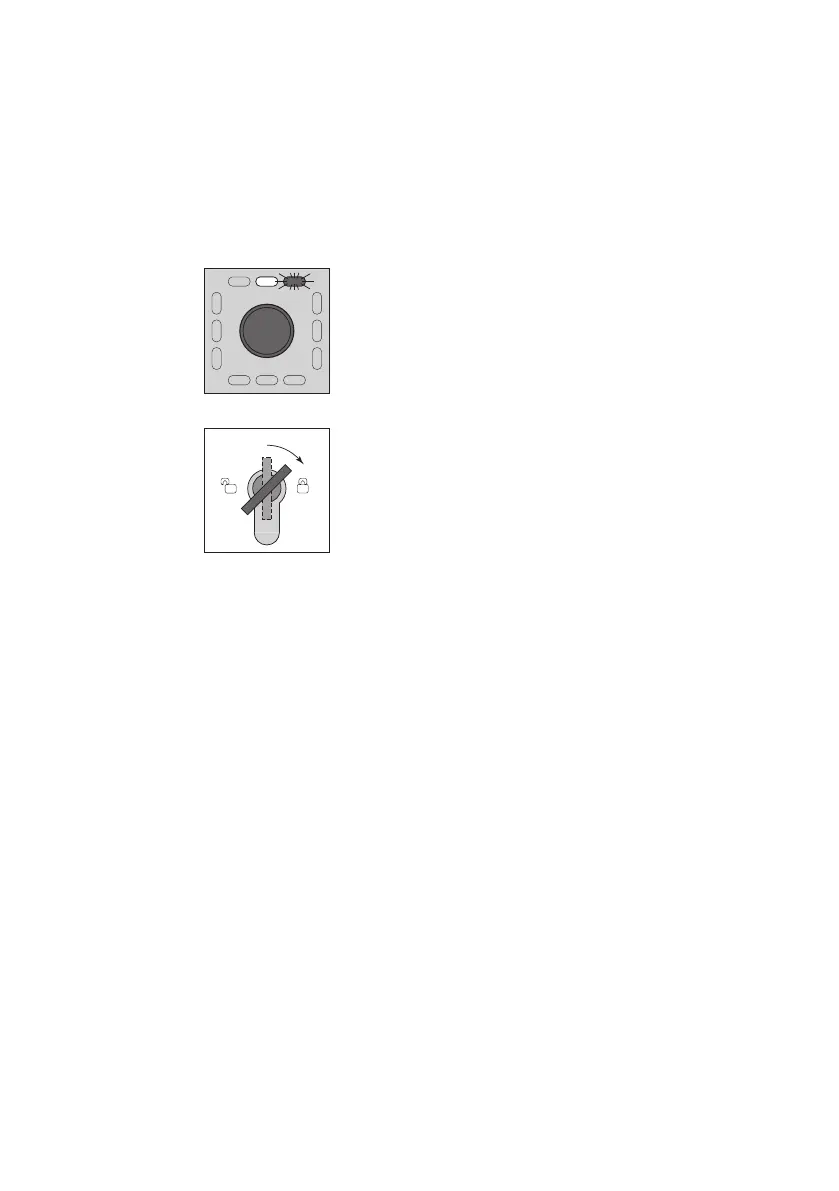
The top yellow LED illuminates
the top right red LED blinks.
5 s
Turn the key to the right and hold for five seconds.
Four audible signals sound.
The green LEDs illuminate in succession.
The display will change after five seconds.
LEDs 1 to 64 immediately begin to illuminate in
succession.
Now you can select or de-select the address values.
Step 3


 To Next Page