3 General introduction
3.1 Connecting the U 261 to a PC / Laptop
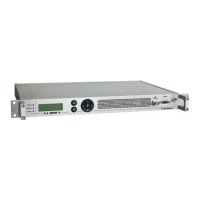
Applying the operating voltage turns on the U 261 automatically. Following the boot phase (approx.
30 seconds), the display shows the two Management IP addresses (lines 2 & 3), and any error
messages (line 4).
If the device is connected to a PC / laptop by means of one of the network ports and once the
PC/laptop has been appropriately configured by means of the network settings, configuration of
the U 261 can be started following input of the IP address in the address line of the Web browser.
3.2 The web browser user interface
The web browser user interface is split into a topframe, leftframe and mainframe.
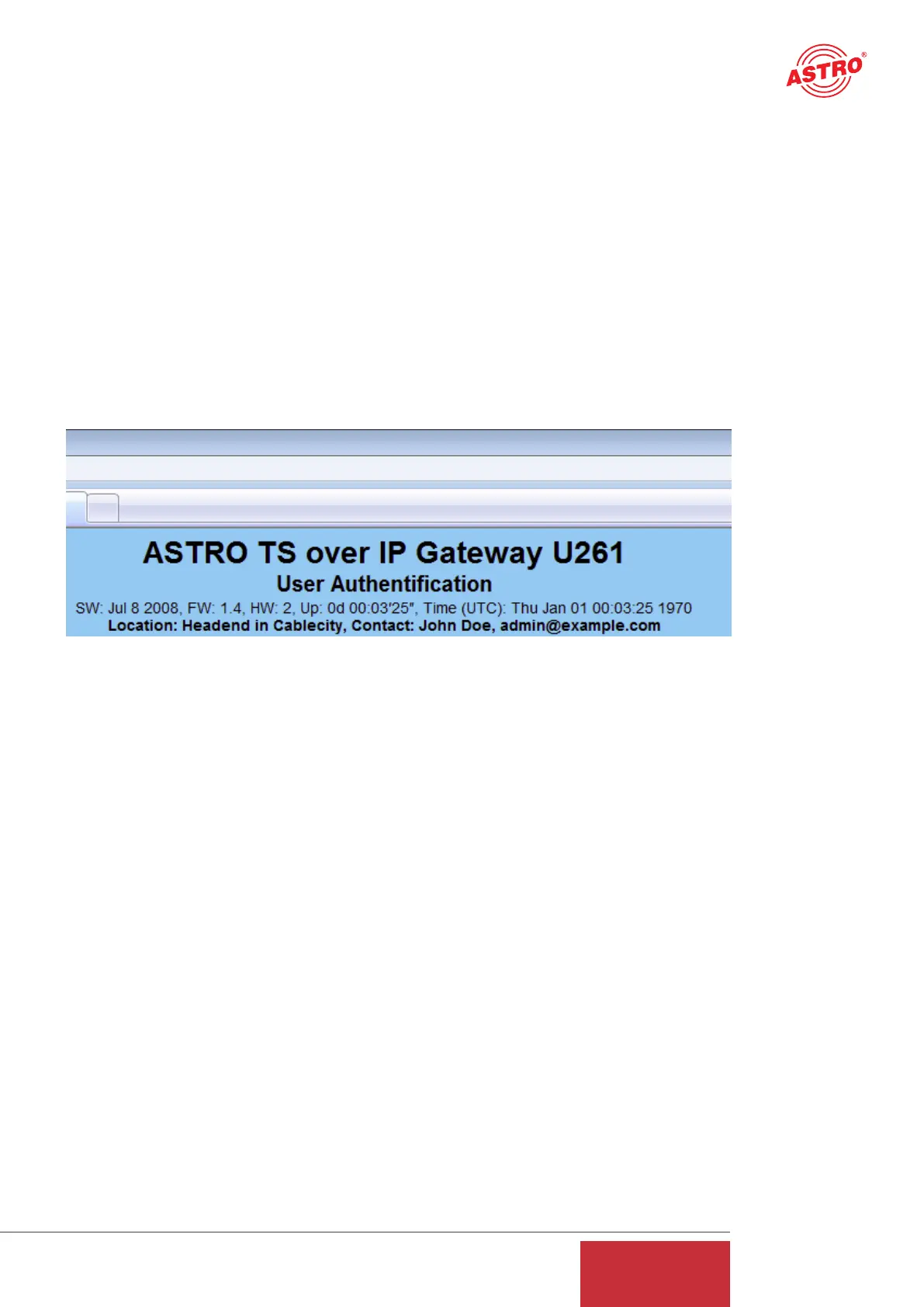
The topframe
contains general information about the gateway.
Figure 1: General information in the topframe of the Web browser user interface
This information can be read as follows:
"SW: Jul 8 2008" is the description of the software level on the U 261 Gateway,
"FW 1.4" is the level of the firmware in the U 261 Gateway,
"HW: 2" is the Gateway's hardware version,
"Up: 0d 00:03'25"" is the connection time measured from the instant of logging in,
"Time (UTC):" indicates the time on the U 261.
In the above figure, alignment with the SNTP server has not yet taken place, and the U 261 the-
refore indicates the year 1970. The bold line for "Location" and "Contact" is obtained from the set-
tings in the chapter "User Administration".
The right-hand part of the topframe reflects the display and the status LEDs of the U 261, i.e. the
Web browser user interface reproduces the exact view of the U 261.
7
User Guide
U 261


 To Next Page