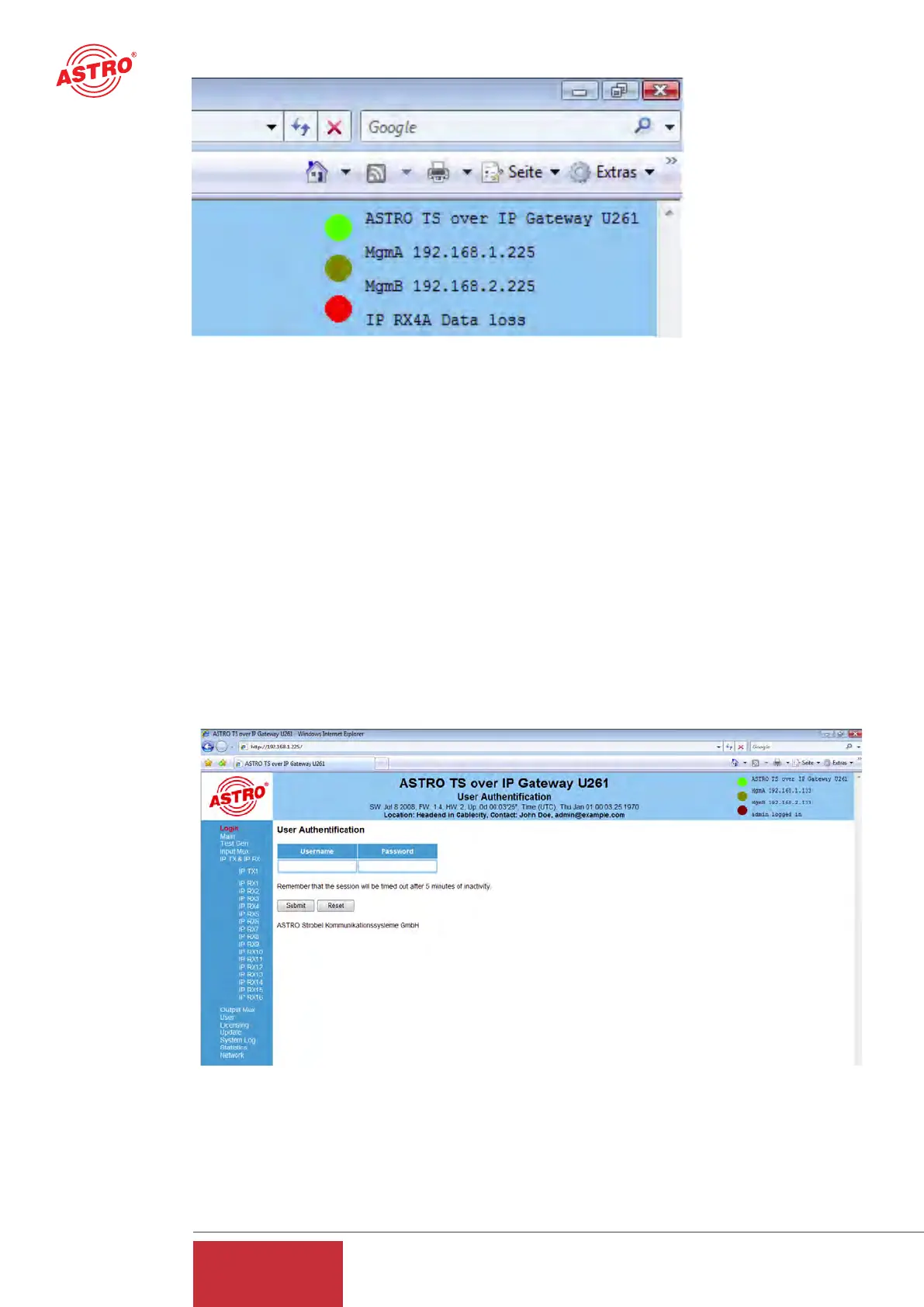
Figure 2: View of U 261 display and LEDs in the Web browser user interface
In the example for figure 2, the device is reporting the error "IP RX4A Data Loss", and precisely
this error message can also be seen in the display of the U 261.
The leftframe
contains the navigation bar through the various submenus, which are described in detail in the
chapters which follow.
The mainframe
displays - in line with the selection in the navigation bar in the leftframe - the submenu.
4 Login
Before the Gateway can be configured, it is necessary to log in. This is done using the "Login" sub-
menu.
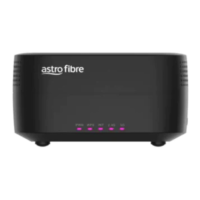
Figure 3: Input mask for login
Clicking on the "Login" submenu opens the input mask for login (see figure 3). The standard fac-
tory setting is:
"Username: admin and password: astro"
8
User Guide
U 261


 To Next Page