?
My speakers produce no sound.
• EnsurethatyouconnectyourspeakerstotheLineoutportonthefrontpanelor
the rear panel.
• Checkifyourspeakerisconnectedtoanelectricalsourceandturnedon.
• Adjustyourspeakers’volume.
• Ensurethatyourcomputer’ssystemsoundsarenotMuted.
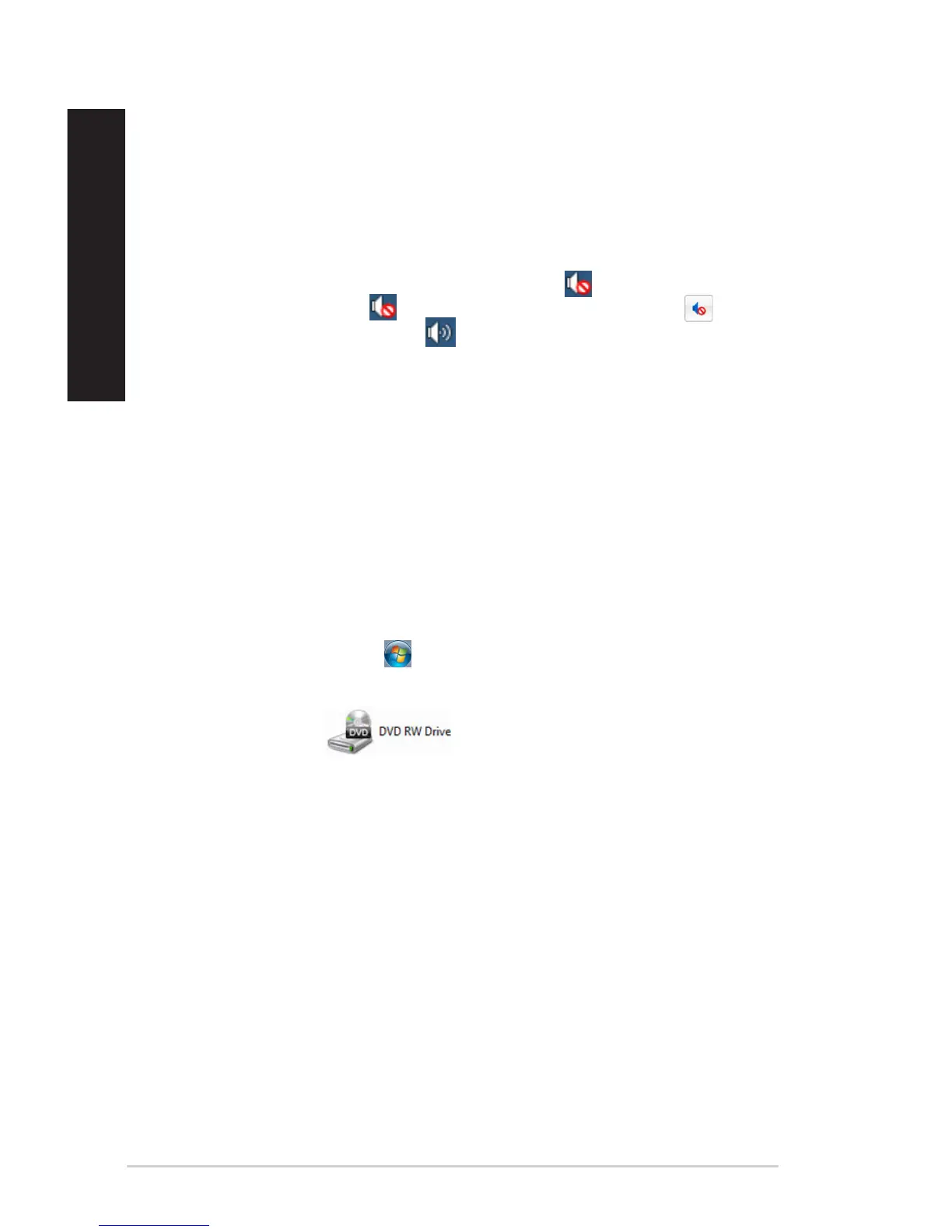
• Ifitismuted,thevolumeiconisdisplayedas . To enable the system
sounds, click from the Windows notification area, then click .
• Ifitisnotmuted,click and drag the slider to adjust the volume.
• Connectyourspeakerstoanothercomputertotestifthespeakersareworking
properly.
?
The DVD drive cannot read a disc.
• Checkifthediscisplacedwiththelabelsidefacingup.
• Checkifthedisciscenteredinthetray,especiallyforthediscswith
non-standard size or shape.
• Checkifthediscisscratchedordamaged.
?
The DVD drive eject button is not responding.
1. On Windows
®
7, click > Computer.
On Windows
®
10, from the Start menu, click File Explorer.
2. Right-click , then click Eject from the menu.
68 Chapter 6: Troubleshooting
ENGLISH
ENGLISH



 To Next Page