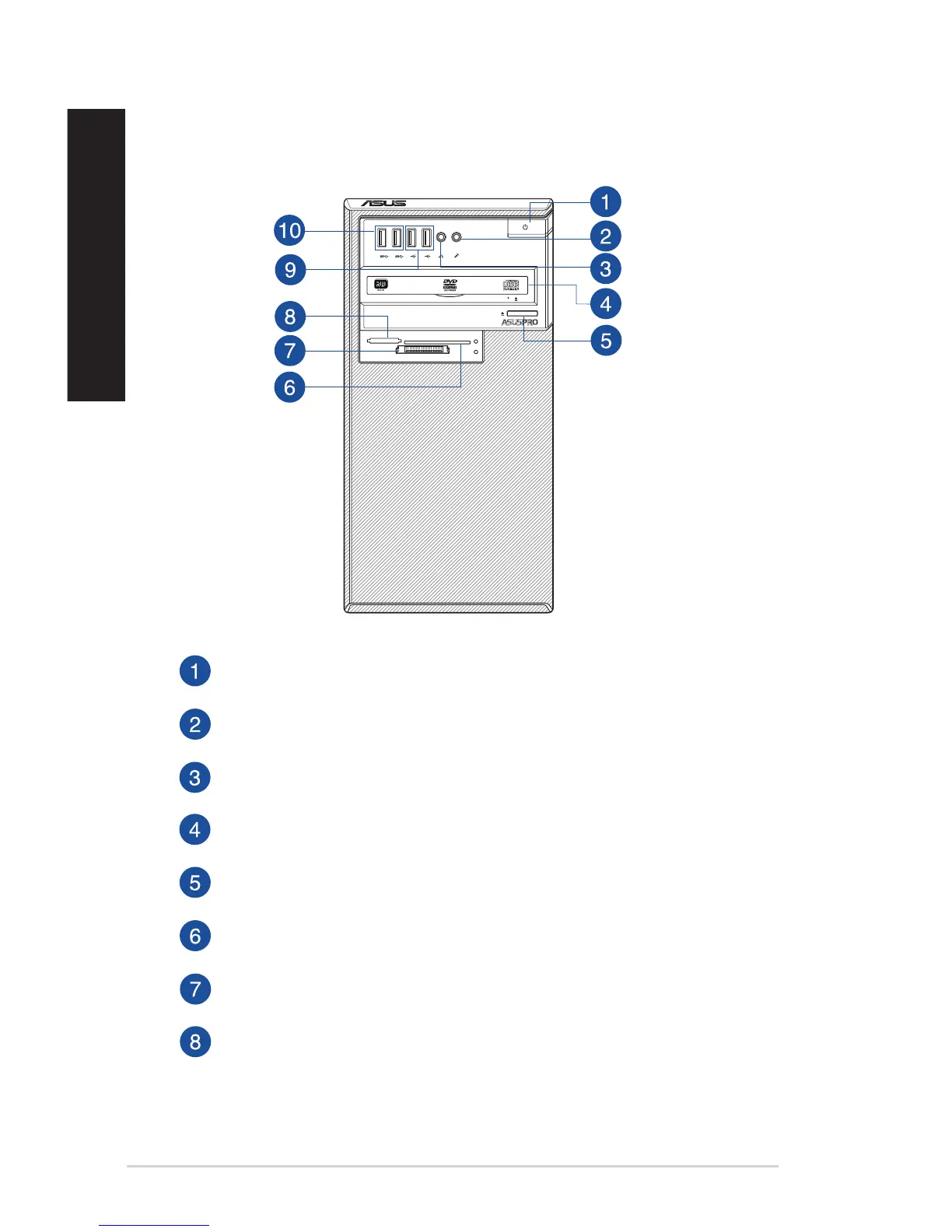
Front panel
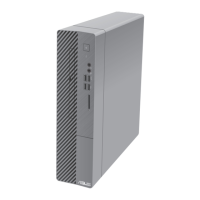
D520MT (BM2CD)
SD/MMC/MS
Smart Card
CF/MD
Power button. Press this button to turn on your computer.
Microphone port. This Mic (pink) port connects a microphone.
Headphone port. This Line In (lime) port connects a headphone with a stereo mini-
plug.
Optical disk drive bay. There is an optical disk drive in this bay.
Optical disk drive eject button. Press this button to eject the optical disk drive tray.
Smart card slot. Insert a Smart card into this slot.
CompactFlash® / Microdrive™ card slot. Insert a CompactFlash® / Microdrive™ card
into this slot.
Secure Digital™ / MultiMediaCard / Memory Stick™ slot. Insert a Secure Digital™ /
MultiMediaCard / Memory Stick™ card into this slot.
12 Chapter 1: Getting started
ENGLISH
ENGLISH



 To Next Page