VGA port. This port is for VGA-compatible devices such as a VGA monitor.
Serial port (on selected models only). This COM port is for pointing devices or other
serial devices.
Serial port. This COM port is for pointing devices or other serial devices.
Setting up your computer
This section guides you through connecting the main hardware devices, such as the external
monitor, keyboard, mouse, and power cord, to your computer.
Connecting an external monitor
Using the ASUS Graphics Card (on selected models only)
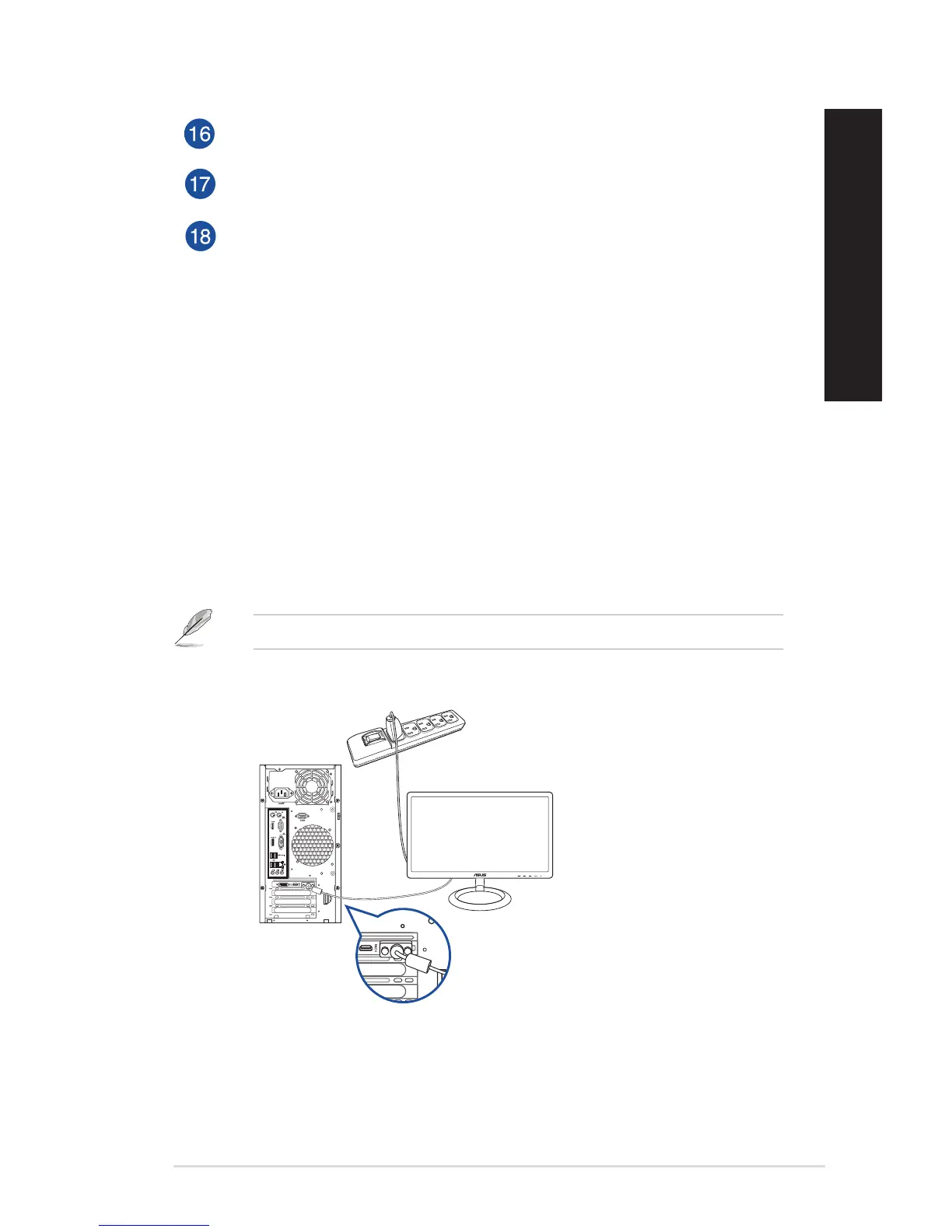
Connect your monitor to the display output port on the discrete ASUS Graphics Card.
To connect an external monitor using the ASUS Graphics Card:
1. Connect a monitor to a display output port on the ASUS Graphics Card.
2. Plug the monitor to a power source.
The display output ports on the ASUS Graphics Card may vary with different models.
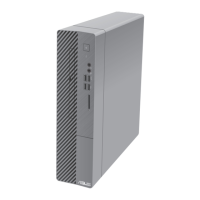
D520MT (BM2CD)
DVI
ASUS Desktop PC 25
ENGLISH
ENGLISH



 To Next Page