ASUS Desktop PC 75
Chapter 1
Using Windows
®
7
Preloading the USB 2.0/3.0 drivers for Windows® 7 installation
Preload the USB 2.0/3.0 drivers to be able to use the keyboard and mouse during the Windows®
7 installation. The following steps guide you in preloading the USB 2.0/3.0 drivers and installing
Windows® 7.
Method 1: Preloading/installing via ODD and USB device
1. Ensure that you have the following:
• ASUSSupportDVD(includedwithyourDesktopPCpackage)
• Windows®7installationsource(copiedtoaformattedUSBstoragedevicewith8GBor
morecapacity)
• Opticaldiskdrive(ODD)
2. Connect the USB storage device containing the Windows® 7 installer.
3. InserttheASUSsupportDVDintotheODDofyourDesktopPC.
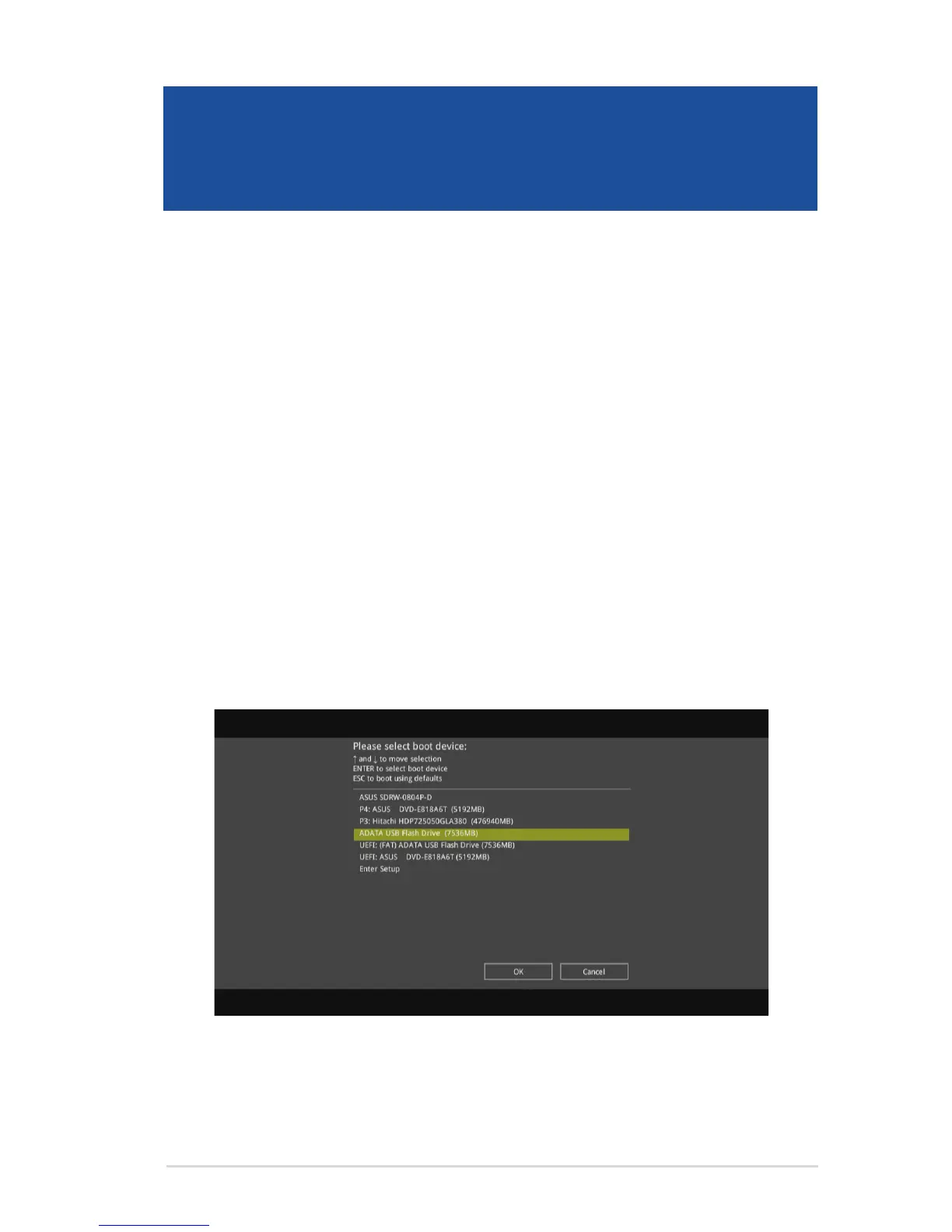
4. TurnonyourDesktopPCandpress[F8]duringPOST(Power-OnSelfTest)toentertheboot
screen.
5. Select the USB storage device as the boot device.



 To Next Page