76
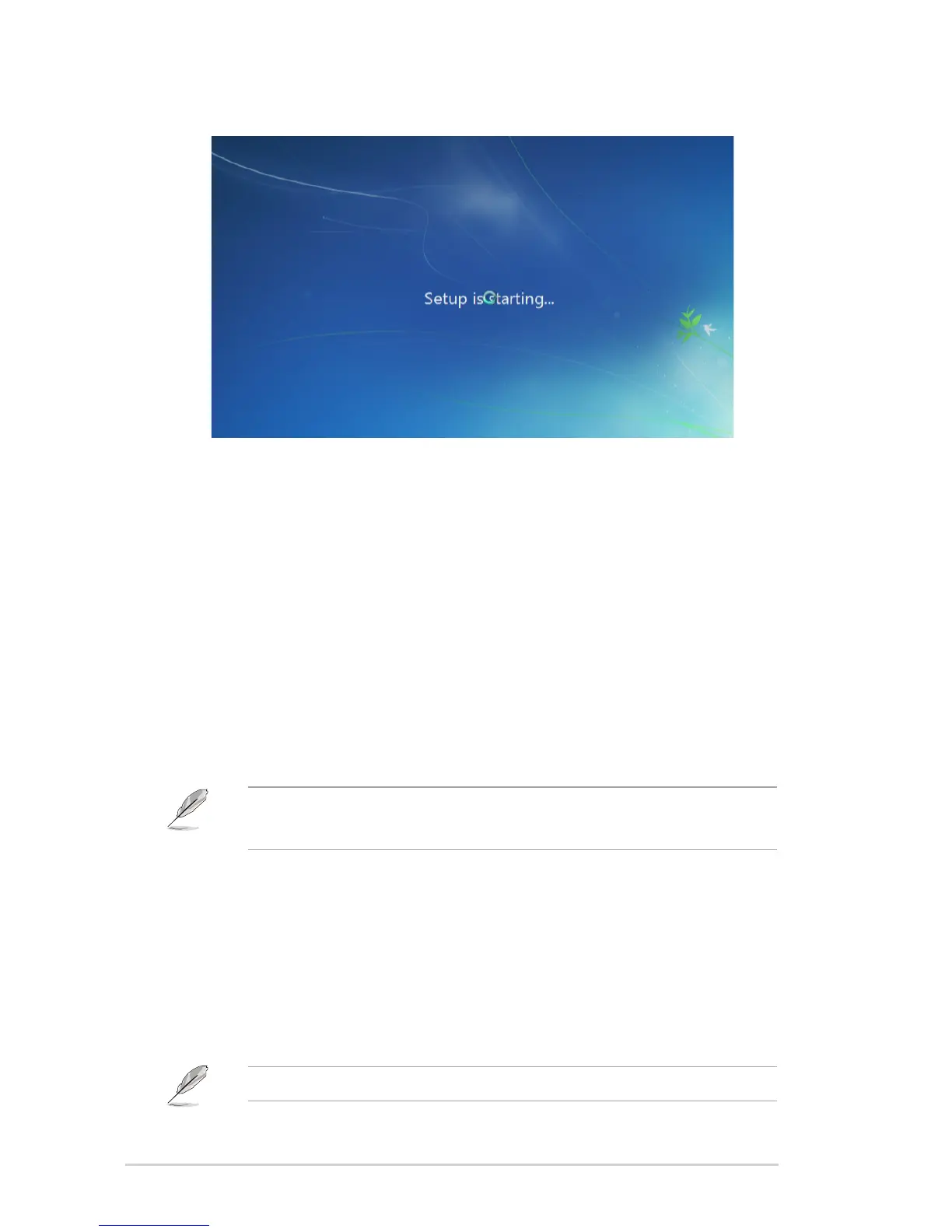
6. The USB 2.0/3.0 driver loads automatically during the installation startup.
7. Follow the onscreen instructions to complete the Windows® 7 installation.
Method 2: Preloading/installing via ASUS EZ Installer
1. Ensure that you have the following:
• ASUSSupportDVD(includedwithyourDesktopPCpackage)
• Windows®7installationDVD
• DesktoporNotebookPC(withIntel®CPUexceptSkylakeorBraswellCPU)*
• ASUSDesktopPC**
• USBstoragedevice(with8GBormorecapacity)
• Internal/externalOpticalDiskDrive(ODD)
• *UseyourdesktopornotebookPCforsteps2to4.
• **UseyourASUSDesktopPCforsteps5to9.
2. Inyourcomputer,connectanexternalODDandinserttheWindows®7installationDVDinit.
3. ConnectanotherexternalODDtothesamecomputer,andinserttheASUSSupportDVDin
it.FromthesupportDVD,launchASUSEZInstaller.
4. Select any of these two methods to create a modified Windows® 7 installation file:
• Windows®7OSdisktoUSBstoragedevice
• Windows®7OSdisktoISOle
RefertothenextsectionsonthestepstocreateamodiedWindows®7installationle.



 To Next Page