78
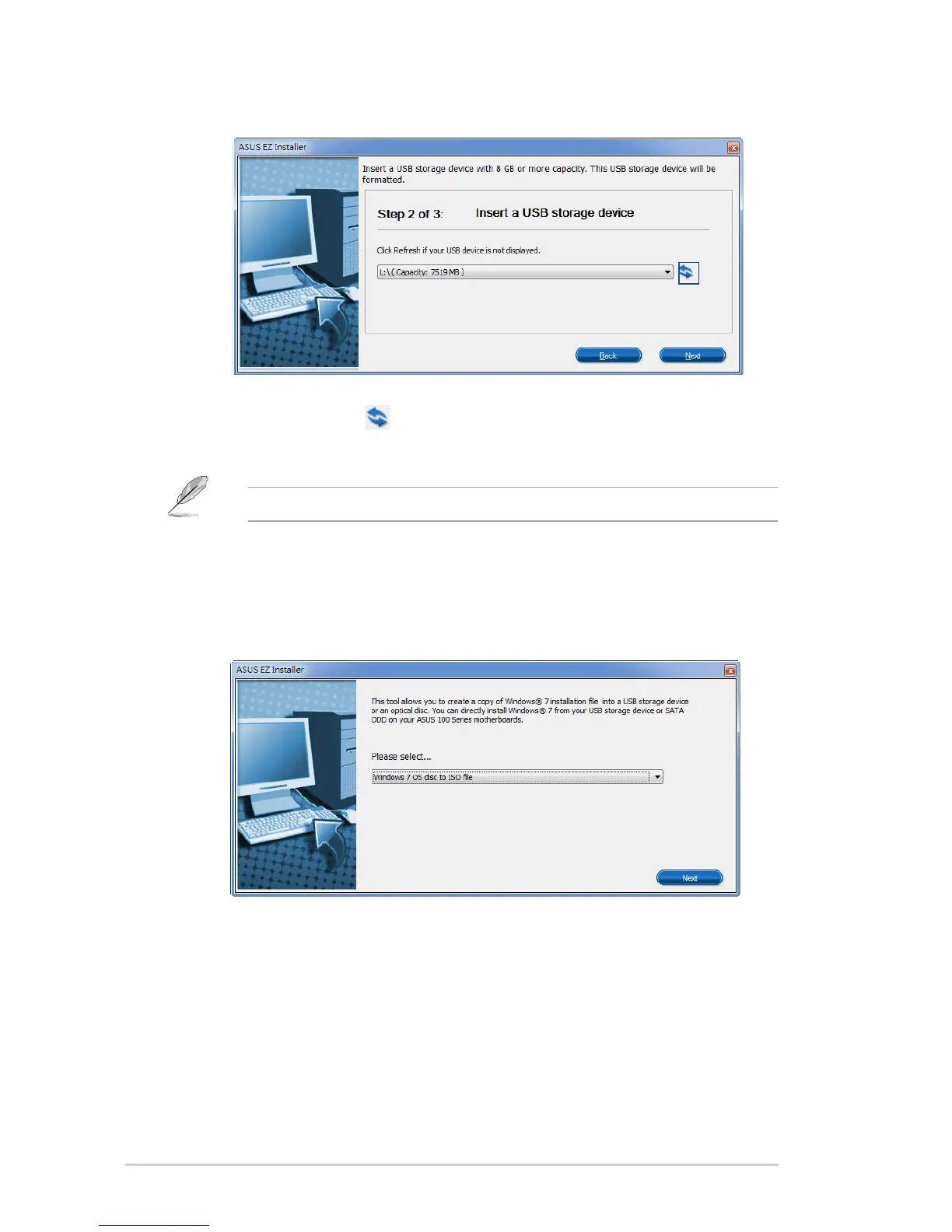
d) SelecttheUSBstoragedeviceandclickNext.
e) Clicktherefreshicon if the USB storage device is not displayed. Click Yes to clear the
contents on the USB storage device and create a bootable USB device.
The USB storage device will be formatted, so ensure that you have backed up your data from it.
f) Oncecompleted,clickOK to finish.
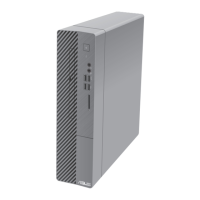
Windows® 7 OS disk to ISO file
a) SelectWindows7OSdisktoISOlethenclickNext.



 To Next Page