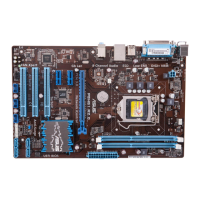
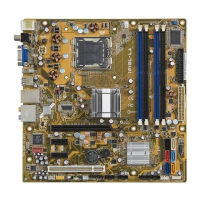
IPIBL-LA(Berkeley-GL8E) 11
5. Jumpers
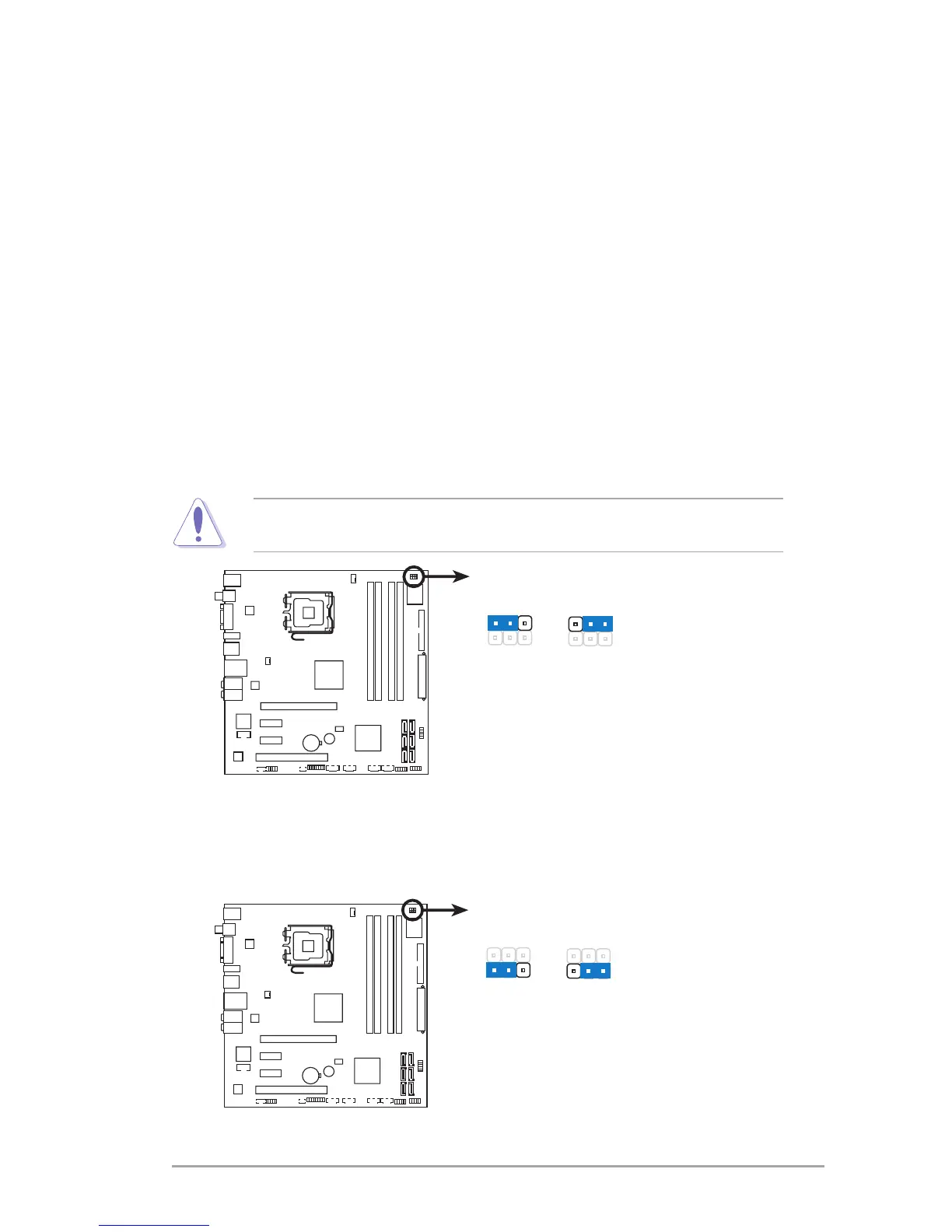
1. Clear RTC RAM (3-pin CLEAR CMOS)
ThisjumperallowsyoutocleartheRealTimeClock(RTC)RAMin
CMOS.YoucancleartheCMOSmemoryofdate,time,andsystemsetup
parametersbyerasingtheCMOSRTCRAMdata.Theonboardbutton
cellbatterypowerstheRAMdatainCMOS,whichincludesystemsetup
informationsuchassystempasswords.
ToerasetheRTCRAM:
1. TurnOFFthecomputerandunplugthepowercord.
2. Movethejumpercapfrompins2-3(Normal)topins1-2(ClearCMOS)
Keepthecaponpins1-2forabout5~10seconds,then
movethecapbacktopins2-3.
3. PlugthepowercordandturnONthecomputer.
4. Holddownthe<Del>keyduringthebootprocessandenterBIOS
setuptore-enterdata.
ExceptwhenclearingtheRTCRAM,neverremovethecapfromthedefault
position.Removingthecapwillcausesystembootfailure!
2. Clear password (3-pin CLEAR PWD)
Thisjumperallowsyoutoclearthepasswordifyouforgotyourpassword.


 To Next Page