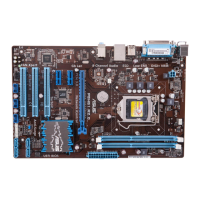
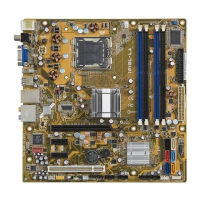
IPIBL-LA(Berkeley-GL8E)2
2. Central Processing Unit (CPU)
2.1 Overview
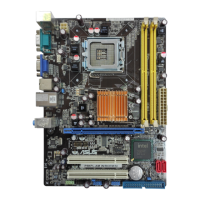
ThemotherboardcomeswithasurfacemountLGA775socketdesignedforthe
Intel
®
Mainstream/ValueFMBprocessorinthe775-landpackage.
2.2 Installing the CPU
ToinstallaCPU:
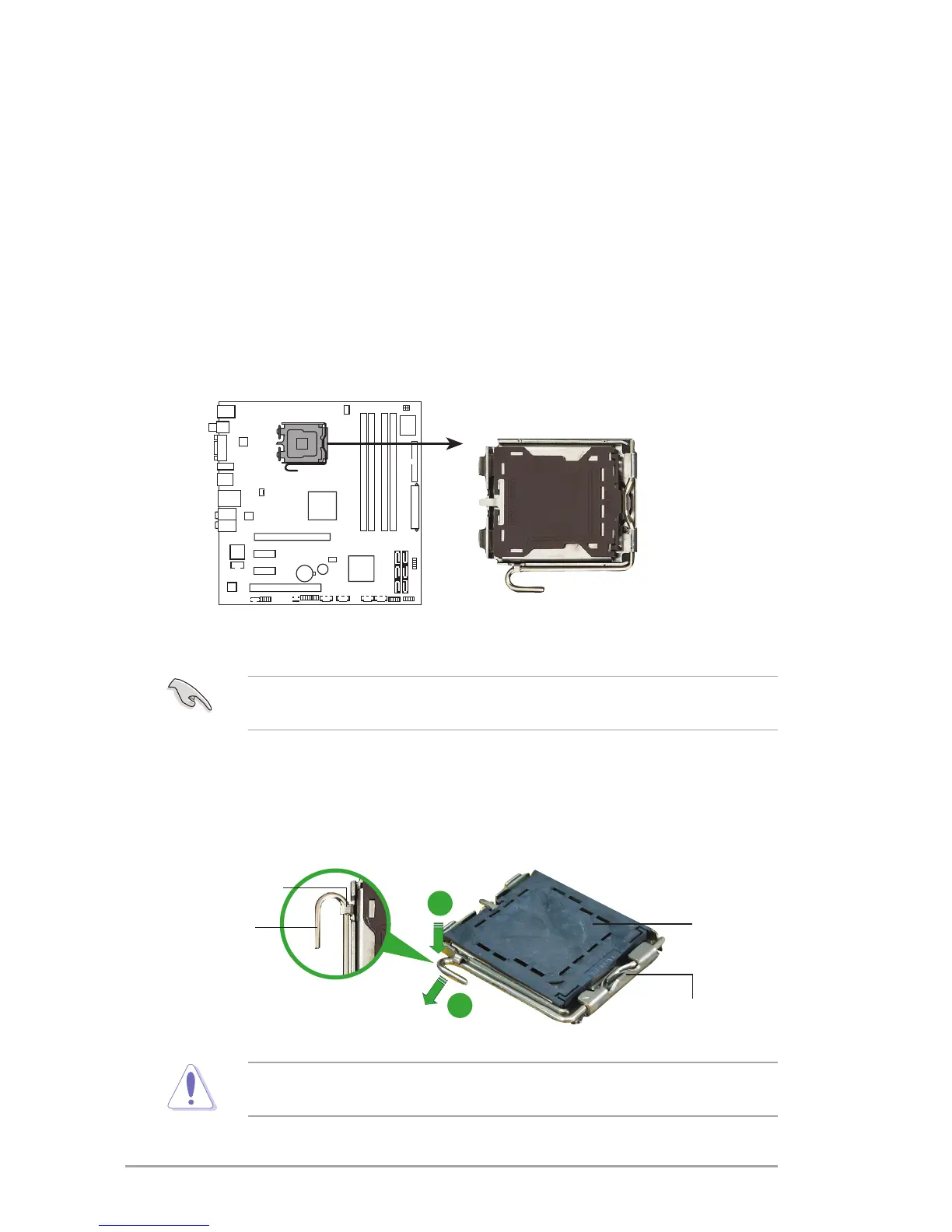
1. Locate the CPU socket on the motherboard.
BeforeinstallingtheCPU,makesurethatthesocketboxisfacingtowardsyou
andtheloadleverisonyourleft.
2. Presstheloadleverwithyourthumb(A),thenmoveittotheleft(B)untilitis
released from the retention tab.
Retention tab
Load lever
This side of the socket box
should face you.
PnP cap
A
B
Topreventdamagetothesocketpins,donotremovethePnPcapunlessyou
are installing a CPU.


 To Next Page