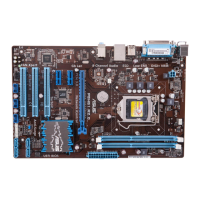
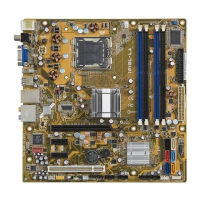
IPIBL-LA(Berkeley-GL8E) 3
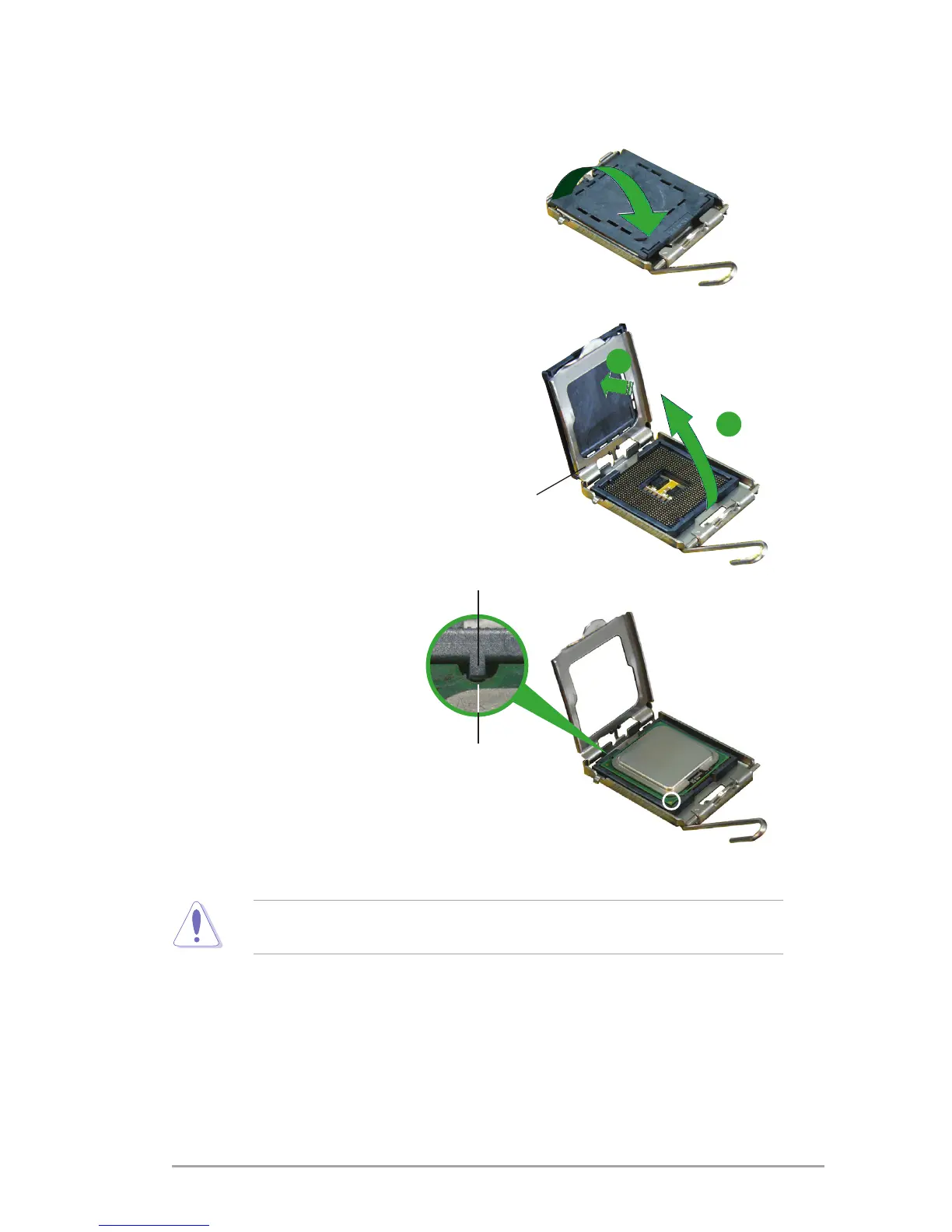
3. Lift the load lever in the direction of
the arrow to a 135º angle.
5. Position the CPU over the
socket,makingsurethat
the gold triangle is on the
bottom-leftcornerofthe
socketthentthesocket
alignment key into the
CPU notch.
Alignment key
Gold triangle mark
4. Lifttheloadplatewithyourthumb
andforengertoa100ºangle(A),
thenpushthePnPcapfromtheload
platewindowtoremove(B).
Load plate
A
B
CPU notch
TheCPUtsinonlyonecorrectorientation.DONOTforcetheCPUintothe
socket to prevent bending the connectors on the socket and damaging the CPU!


 To Next Page