IPIBL-LA(Berkeley-GL8E) 5
3. System memory
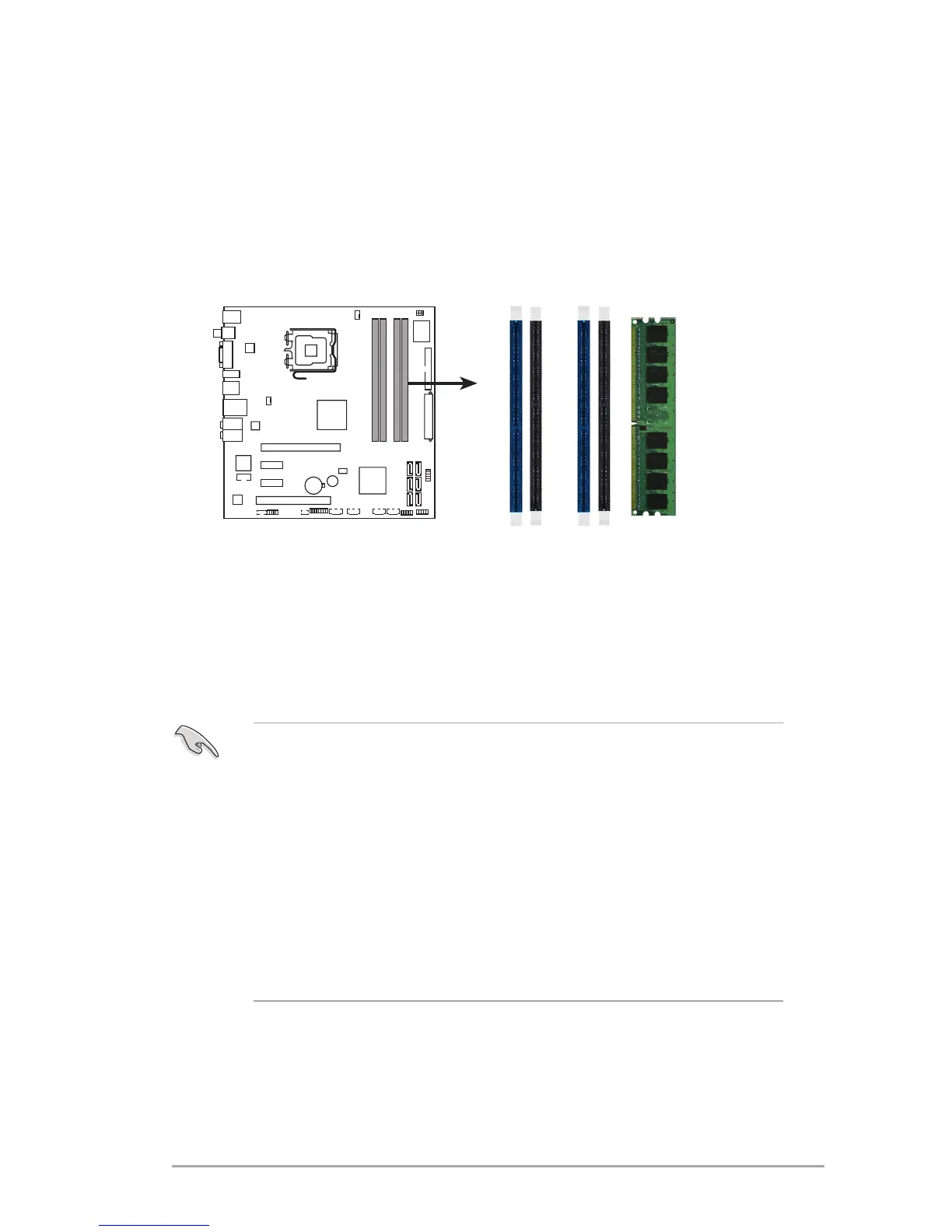
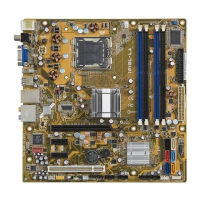
ThemotherboardcomeswithfourDoubleDataRate2(DDR2)DualInlineMemory
Module(DIMM)sockets.
ADDR2modulehasthesamephysicaldimensionsasaDDRDIMMbuthasa
240-pinfootprintcomparedtothe184-pinDDRDIMM.DDR2DIMMsarenotched
differently to prevent installation on a DDR DIMM socket.
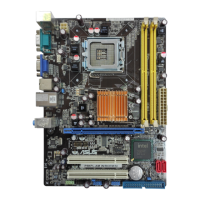
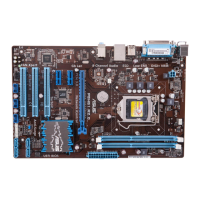
ThefollowinggureillustratesthelocationoftheDDR2DIMMsockets.
3.1 Memory congurations
Youcaninstall512MB,1GB,and2GBDDR2SDRAMDIMMsintotheDIMM
socketsusingthememorycongurationsinthissection.
• InstallingDDR2DIMMsotherthantherecommendedcongurations
maycausememorysizingerrororsystembootfailure.Useanyofthe
recommendedcongurationsonthenextpage.
• Install only
identical(thesametypeandsize)DDR2DIMMpairsusingthe
recommendedcongurations.
• MakesurethatthememoryfrequencymatchestheCPUFSB(FrontSide
Bus).RefertotheMemoryfrequency/CPUFSBsynchronizationtableon
the next page.
• Thismotherboarddoesnotsupportdouble-sided16-bitDDRDIMMs.
• Donotcreateathree-DIMMcongurationindual-channelmode.Thethird
DIMMisignoredinthedual-channeloperation.


 To Next Page