7
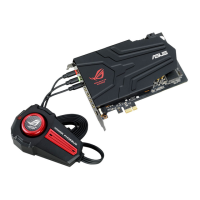
ASUS Xonar Phoebus
2. Secure the audio card bracket to the back of your computer with the screw
that you removed. Refer to section 3.1.
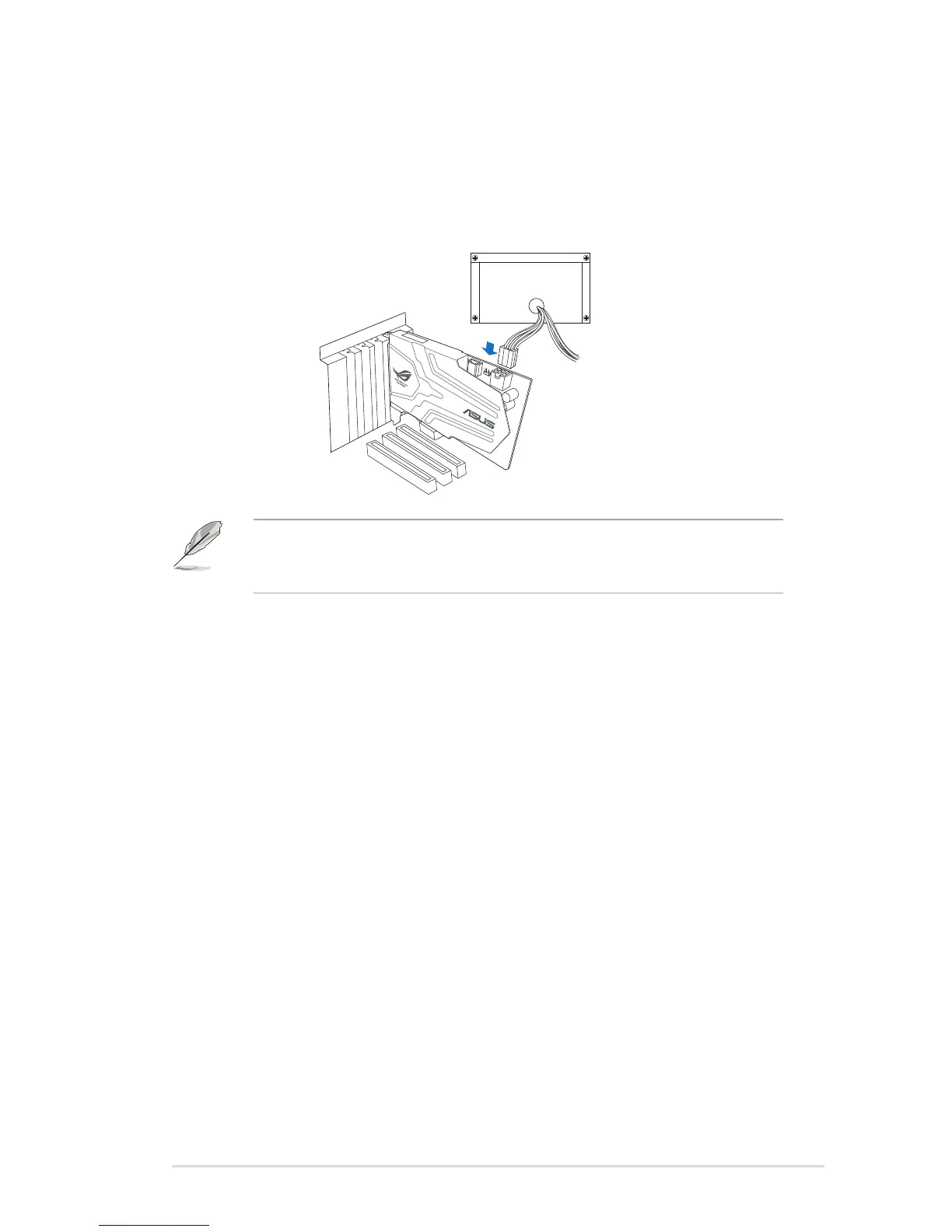
3. Connect the power cable of your power supply to the power connector on the
Xonar Phoebus audio card.
The PCI Express high-quality audio card requires additional power from your
computer. If the power cable is not connected properly, the audio card will not
work at all.


 To Next Page