Z10PR-D16 7-13
6. Select Back and follow the onscreen instructions to nish the installation.
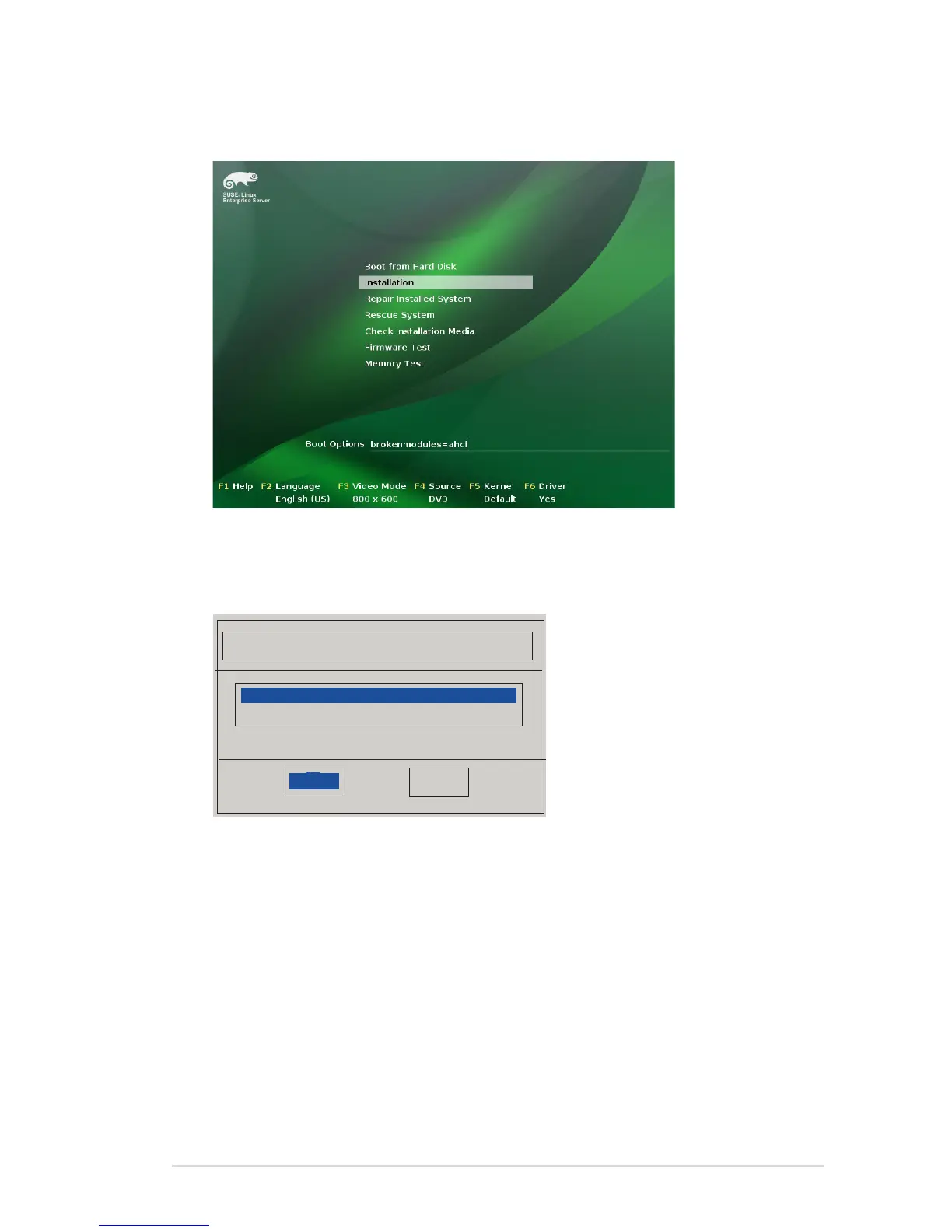
4. Use the USB drive to provide the third-party driver during the OS installation. Type the
command brokenmodules=ahci in Boot Options eld, and press <Enter>.
5. When below screen appears, select the USB oppy disk drive (sda) as the driver
update medium. Select OK, then press <Enter>.
Please choose the Driver Update medium.
sda: USB Floppy
other device
OK
Back














 To Next Page