Chapter 2: Hardware setup
2-10
2.3 System memory
2.3.1 Overview
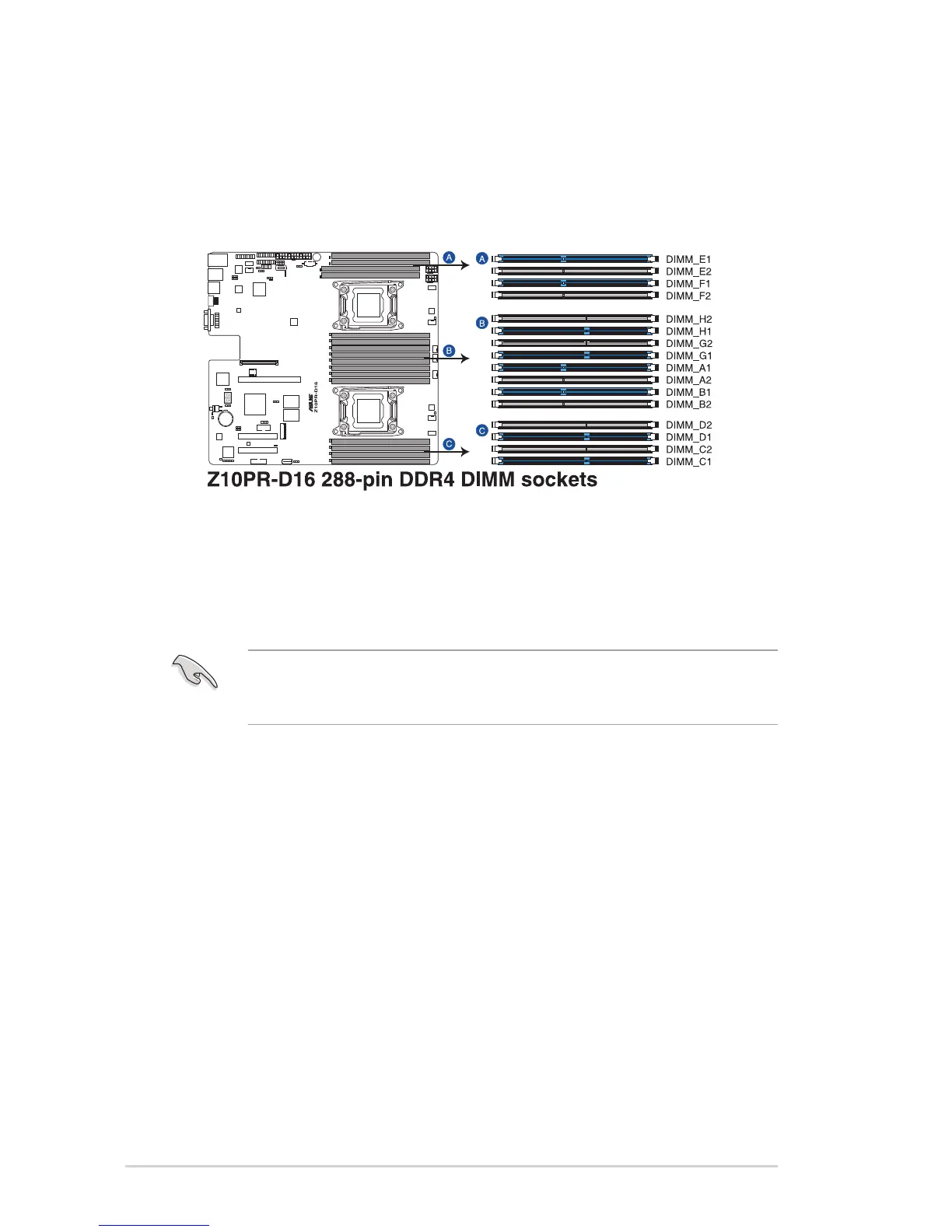
The motherboard comes with sixteen (16) Double Data Rate 4 (DDR4) Dual Inline Memory
Modules (DIMM) sockets.
The gure illustrates the location of the DDR4 DIMM sockets:
2.3.2 Memory Configurations
You may install 4 GB, 8 GB, 16 GB, and 32 GB RDIMMs or 32 GB, 64 GB LR-DIMMs and
NVDIMM into the DIMM sockets using the memory congurations in this section.
• Always install DIMMs with the same CAS latency. For optimum compatibility, it is
recommended that you obtain memory modules from the same vendor.
• Start installing the DIMMs in slots A1 or B1.














 To Next Page