ASUS TS110-E8-PI4 6-15
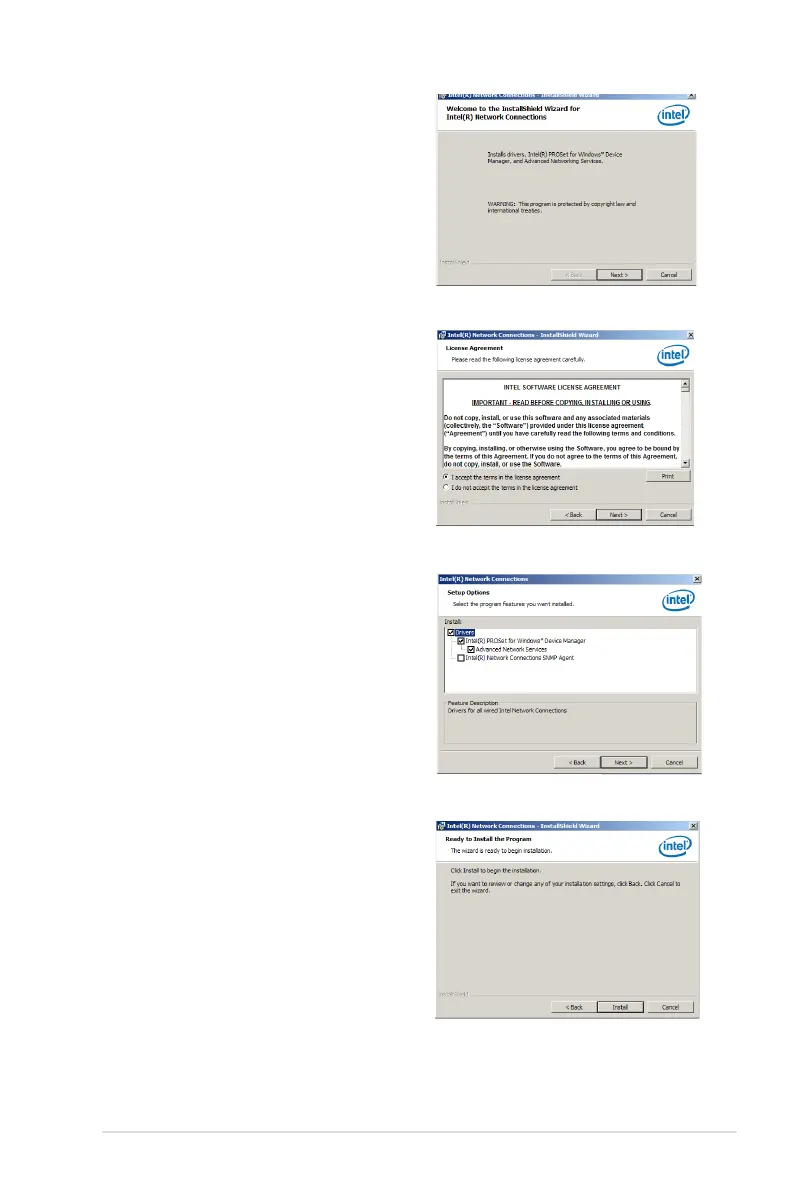
6. Click Next in the Welcome to the
InstallShield Wizard for Intel(R) Network
Connections.
7. From the License Agreement window,
select I accept the terms in the license
agreement then click Next.
8. Select the drivers you want to install in the
Setup Options window and click Next.
9. From the Ready to Install the Program
window, click Install.













 To Next Page