6-22 Chapter 6: Driver installation
6.6 Installing the Intel
®
C22x MEI NULL HECI driver
This section provides the instructions on how to install the Intel
®
C22x MEI NULL HECI driver
on the motherboard.
To install the Intel
®
C22x MEI NULL HECI driver in Windows:
1. Restart the computer.
2. Log in with Administrator privileges.
3. Insert the motherboard/system support DVD to the optical drive.
If Autorun is NOT enabled in your computer, browse the contents of the support DVD to
locate the le ASSETUP.EXE from the BIN folder. Double-click the ASSETUP.EXE to run
the support DVD.
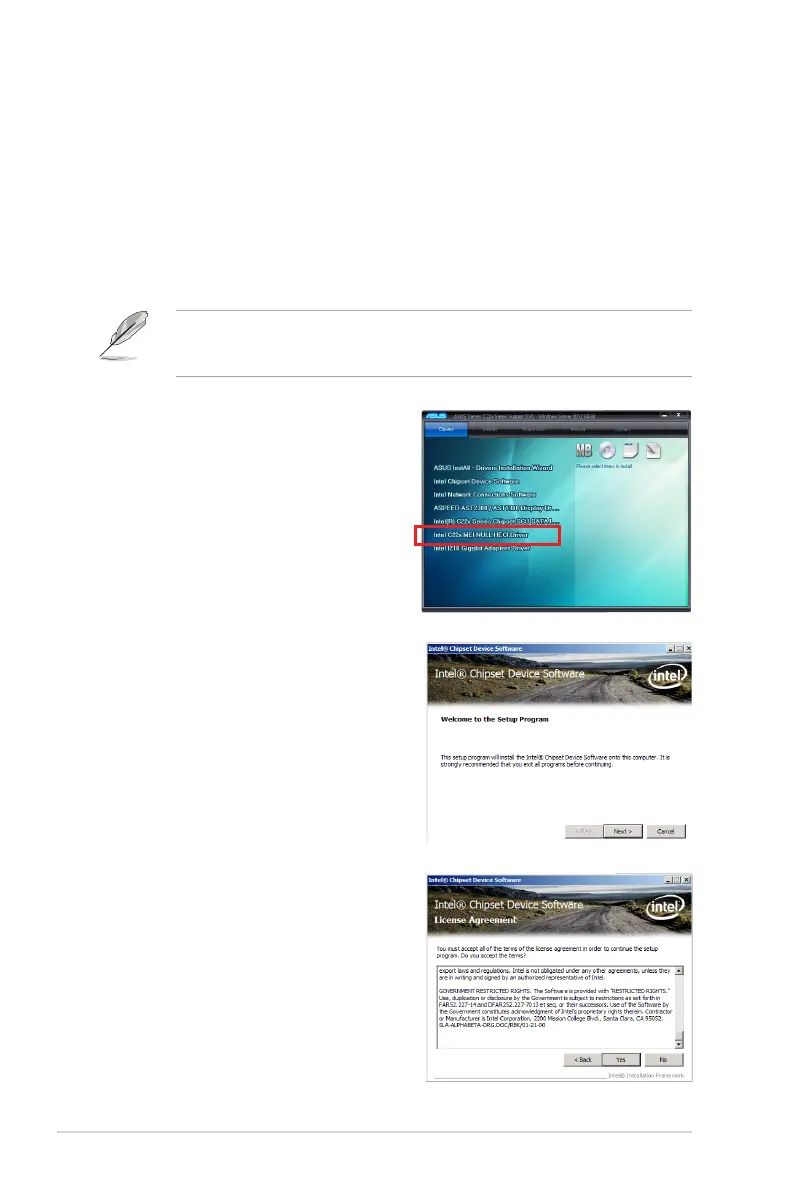
4. Click Intel
®
C22x MEI NULL HECI on the
Drivers menu of the main screen to start
the installation.
5. From the Welcome to the Setup
Program window, click Next.
6. Click Yes in the License Agreement
window to continue with the installation.













 To Next Page