4-8
Chapter 4: BIOS setup
4.2.3 Menu items
Thehighlighteditemonthemenubardisplaysthespecicitemsforthatmenu.Forexample,
selecting Main shows the Main menu items. The other items (Advanced, Event Logs, Boot,
Monitor, Security, Tool, and Exit) on the menu bar have their respective menu items.
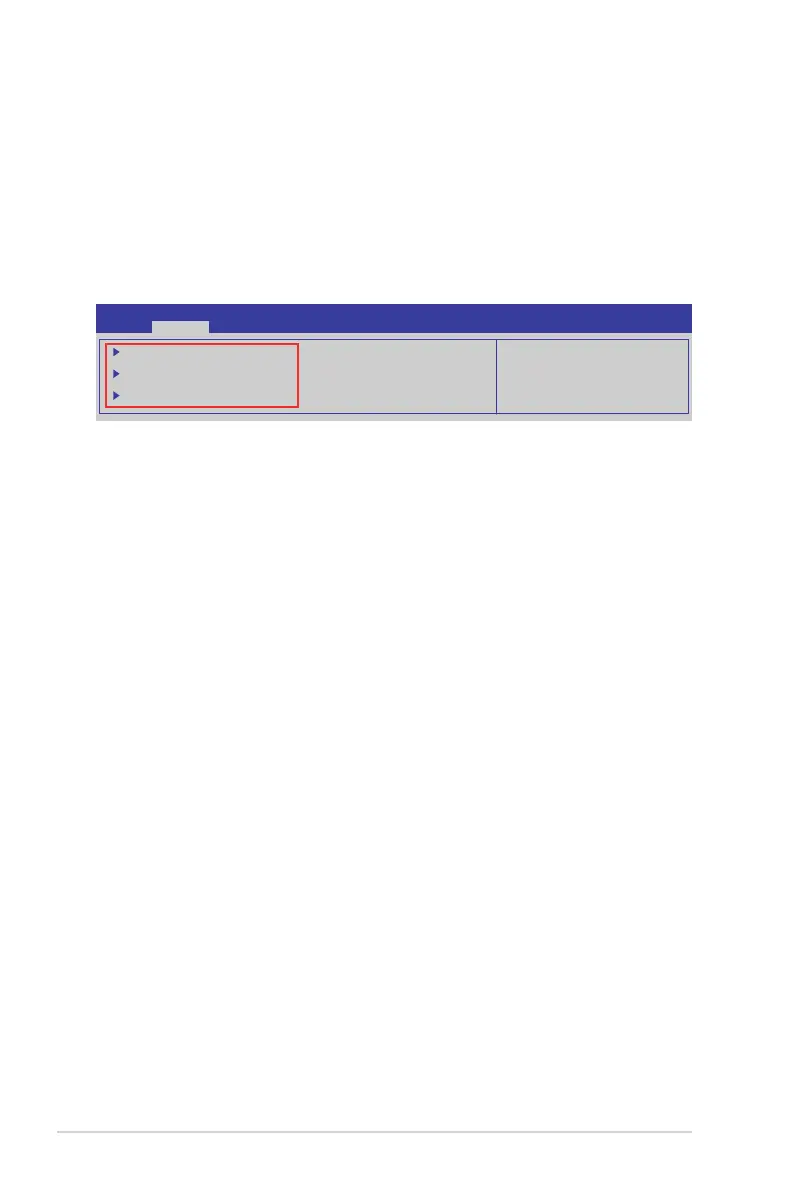
4.2.4 Submenu items
A solid triangle before each item on any menu screen means that the item has a submenu.
To display the submenu, select the item and press <Enter>.
PCI, PCI-X and PCI Express
Settings.
Aptio Setup Utility - Copyright (C) 2014 American Megatrends, Inc.
Main Advanced Event Logs Boot Monitor Security Tool Exit
PCI, PCI-X and PCI Express
Settings.
PCI Subsystem Settings
ACPI Settings
Trusted Computing
4.2.5 Navigation keys
AtthebottomrightcornerofamenuscreenarethenavigationkeysfortheBIOSsetup
program.Usethenavigationkeystoselectitemsinthemenuandchangethesettings.
4.2.6 General help
At the top right corner of the menu screen is a brief description of the selected item.
4.2.7 Configuration fields
Theseeldsshowthevaluesforthemenuitems.Ifanitemisuser-congurable,youcan
changethevalueoftheeldoppositetheitem.Youcannotselectanitemthatisnotuser-
congurable.Acongurableeldisenclosedinbrackets,andishighlightedwhenselected.
Tochangethevalueofaeld,selectitandpress<Enter>todisplayalistofoptions.
4.2.8 Pop-up window
Selectamenuitemandpress<Enter>todisplayapop-upwindowwiththeconguration
options for that item.
4.2.9 Scroll bar
Ascrollbarappearsontherightsideofamenuscreenwhenthereareitemsthatdonott
onthescreen.PresstheUp/Downarrowkeysor<PageUp>/<PageDown>keystodisplay
the other items on the screen.













 To Next Page