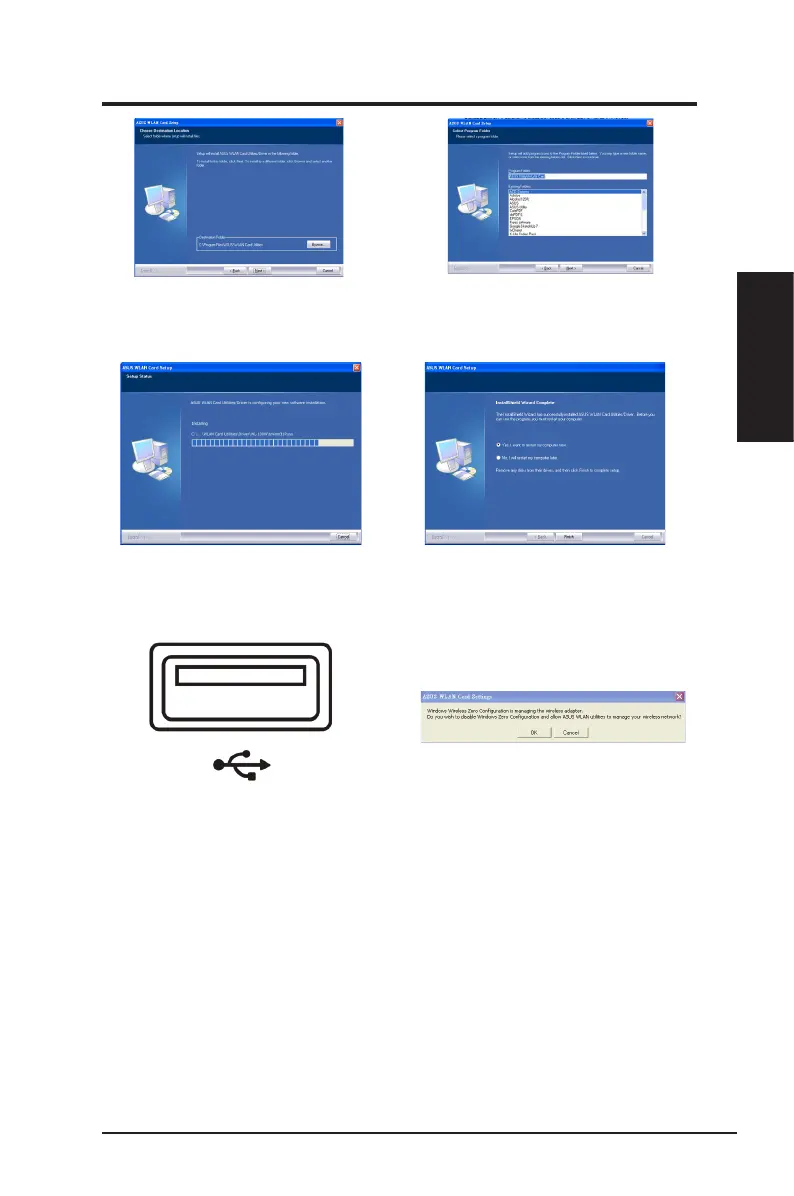
4. Click
Next.
3. Click
Next
to use the default destination
folder or click
Browse
to select another
folder.
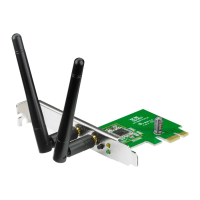
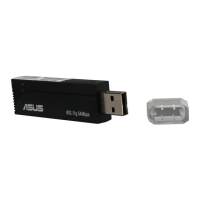
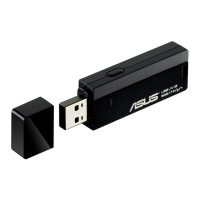
7. Carefully insert the network adapter
into your computer ’s USB slot.
Windows will automatically detect
and congure the network adapter
usi ng t he u til i tie s an d dr ive r s
installed in the previous steps.
8. Click
OK
to disable Windows Zero
Configuration and allow ASUS
WLAN utilities to manage your
wireless network.
5. The installation process takes
several seconds.
6. When Setup is completed, click
Finish
to exit the installation wizard
and restart the computer.
ASUS Network adapter 9
Chapter 2 - Installation
Chapter 2
Installation


 To Next Page