Installing the driver in Windows® 7 OS
To install the driver in Windows
®
7 OS:
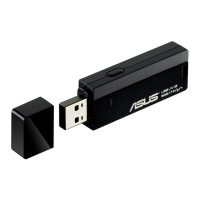
1. Insert the network adapter into your computer's USB port.
2. Place the Support CD into your computer's optical drive.
3. From the Windows
®
Start menu, right-click
Computer
then select
Properties
.
4. Click
Device Manager
at the left side of the screen.
5. The Device Manager window appears. From the
Other devices
category, right-
click
802.11 n WLAN
then select
Update Driver Software
.
6. Select
Browse my computer for driver software
.
Chapter 2
10 ASUS Network adapter
Chapter 2 - Installation
Installation


 To Next Page