Chapter 3 – Starting up and adjustments
UM-30200D-U User manual H6000 Page 21 / 58
2.4. SAVING RESULTS
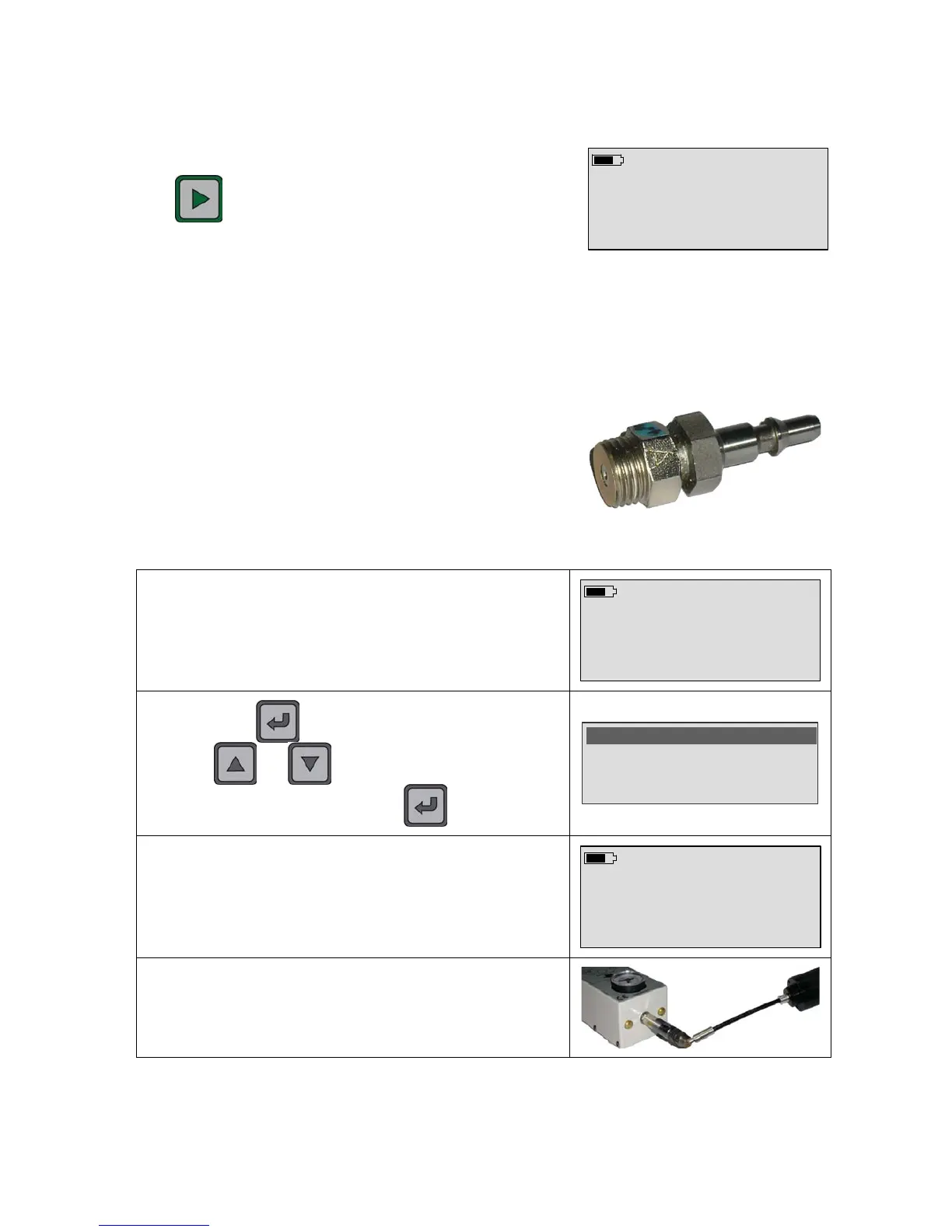
During the measurement, when the user is pressing
the key, the last maximum value is recorded in
the memory card (SD).
Prog n°1 ml/s
7.2 E-5
It is possible to recovery all the recorded results from the Winateq300 software and
making later statistics calculations with a PC.
3. REJECT LEVEL ADJUSTMENT CYCLE
To adjust the reject level, it must had a calibrated leak
connected to a H
2
N
2
à 5% maximum gas source. The
calibrated leaks and the CDH6000 supply are available
in option to help for the reject level adjustment (see
chapter 5) or contact ATEQ.
The standard leaks are calibrated to deliver a known quantity of gas (5% hydrogen) at a
given pressure.
In stand by cycle mode, select the current program to configure.
Prog n°3 ml/s
Press
X to measure
S
T
: Program +/-
Quick press the key to enter the special cycle menu. By
using the
and keys, select the "Reject Settings"
cycle and validate with the
key.


 To Next Page