Line Function Setting range
or display
Setting
increment
Basic
setting
40 I Use as... Room appliance 1, 2, P,
User interface 1, 2, P,
Service appliance
Room
appliance 1
This line regulates the use of the room control unit. Depending on how it is used, other settings will be necessary
(lines 42, 44, 48).
42 I Appliance allocation 1 Heating circuit 1,
Heating circuit 1 & 2,
Heating circuit 1 & P,
All the heating circuits
Heating
circuit 1
44 I Operation HC2 (command HC2) Commonly with HC1,
Independent
Commonly
with HC1
This function enables you to choose whether you wish the room thermostat (as an option) to act on both zones or just
a single zone.
48 I Occupancy control switch function Without,
Heating circuit 1,
Heating circuit 2,
Common
* These parameter lines are only accessible from the room control unit.
2.16 Conguring room control unit
During commissioning, after an initialisation period of
approx. 3 minutes, the user’s language must be set:
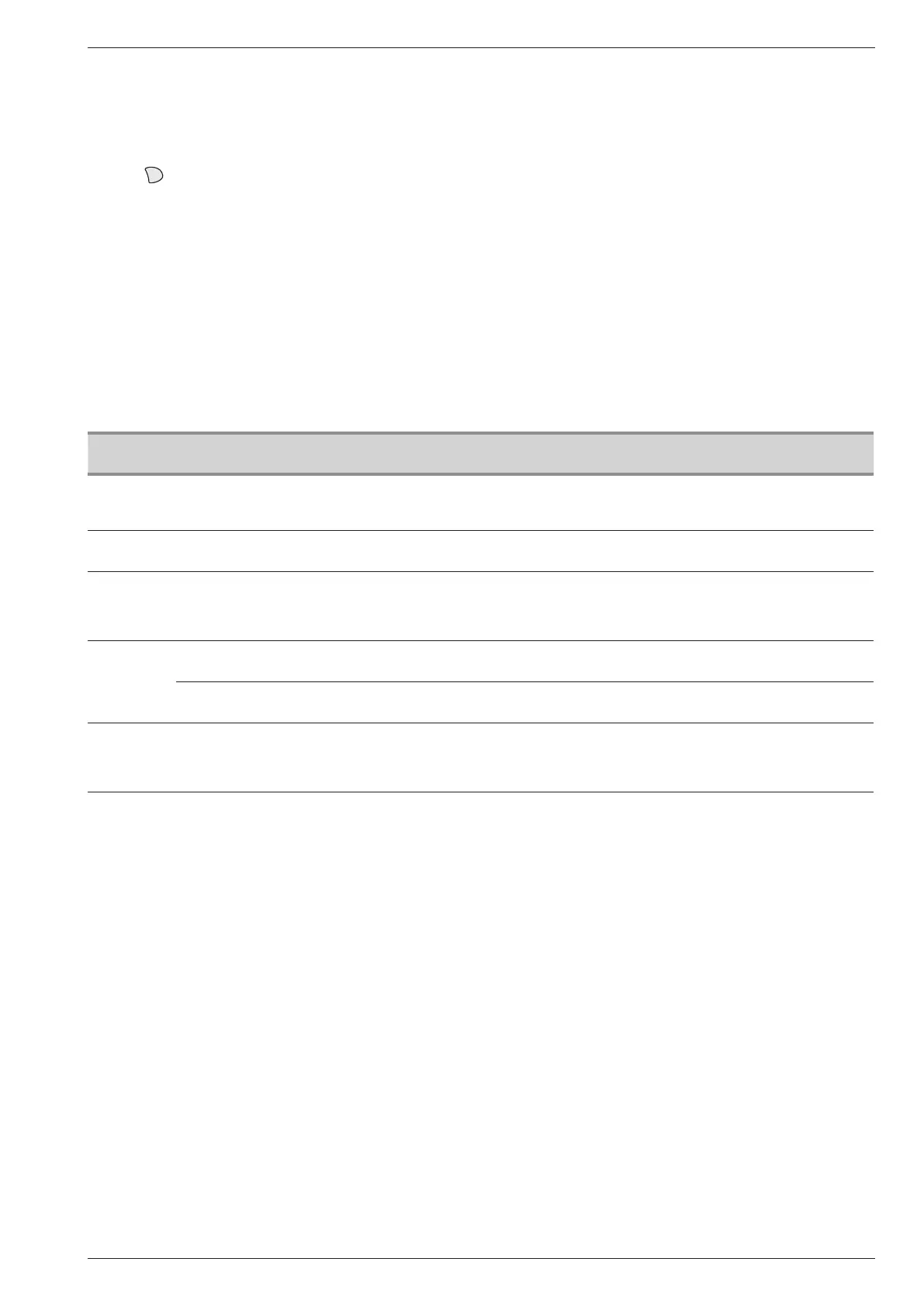
- Press
.
- Choose menu "Operator section".
- Choose language.
- Select the language (English, Deutsch, Français,
Italiano, Nederlands, Español, Português, Dansk…).
" In the case of 2 heating circuits:
- Choose the allocation of the room control unit (room
appliance 1 or 2…) line 40* (see page 41).
- According to the allocation selected check and, if
necessary, modify the settings for lines 42*, 44*, 48*
(see page 41).
(T75 or T78)
Installation and operating manual "1578 - EN" - 35 -
Heat Pump alféa extensa duo +



 To Next Page