10
5.4. Configuring the product according to the installation
The Duolix MAX control has two navigation levels:
- a specific Duolix Max configuration menu
- a specific menu for the occupant of the house
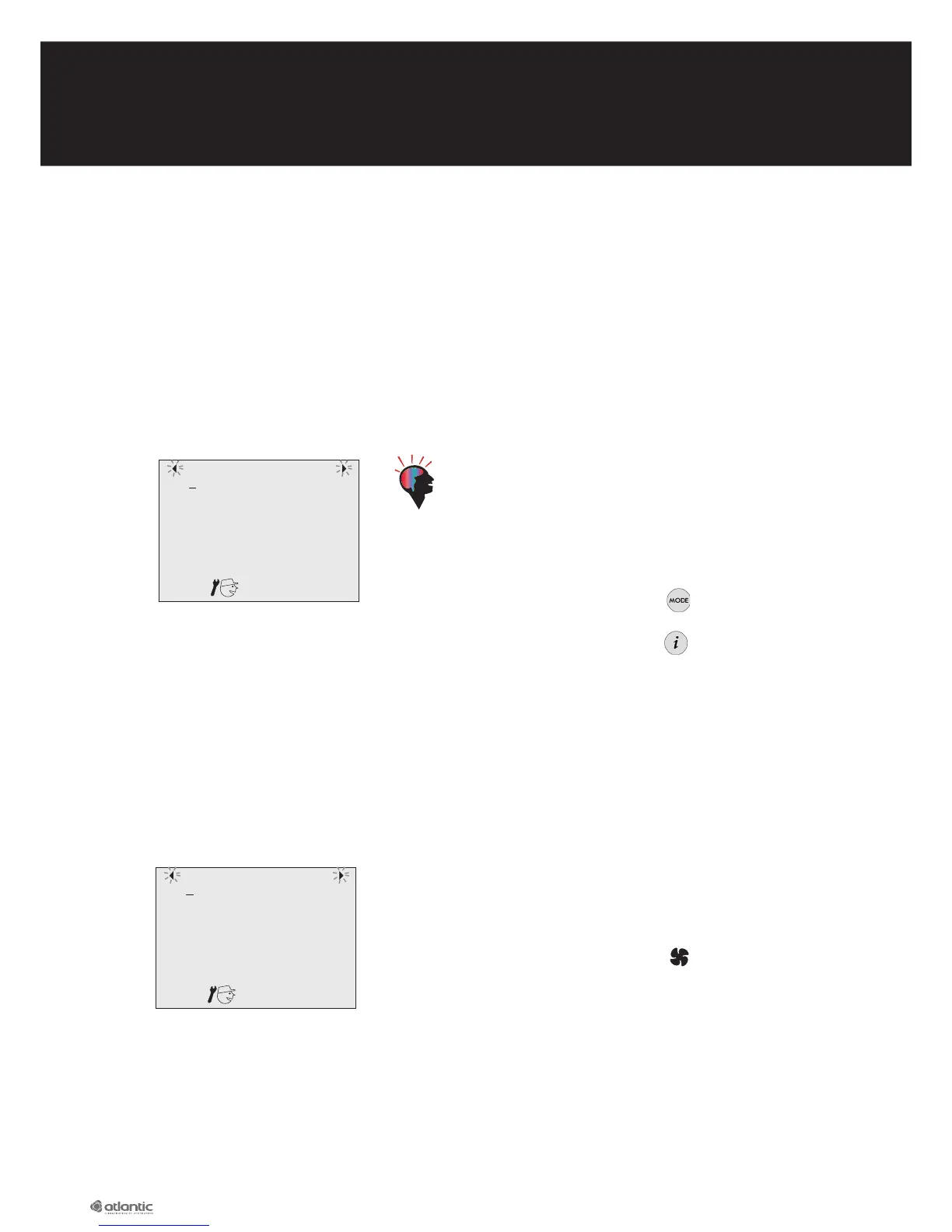
To configure the Duolix Max it is necessary to go into the «installer» menu. To do this, press the «left
arrow» and «right arrow» at the same time for three seconds.
The following screen then appears:
Tip:
- Important: the first pages of the installer menu are the
most important as they requiring setting for the house
concerned. The next pages are optional and refer to
specific installations (presence of ground-connected
heat exchanger, etc.)
- During installation, the button enables you to go
back to the previous stage.
- During installation, the button enables you to
«skip» the next stages and go directly to the end of
the configuration menu.
5.4.1. Choosing the language
The relevant screen is the following:
Place the line under the desired language (FR for French
and UK for English) using the navigation keys
and
then confirm with the central key
When the OK symbol appears, the choice of language
is confirmed.
FR UK
FR UK



 To Next Page