2-4
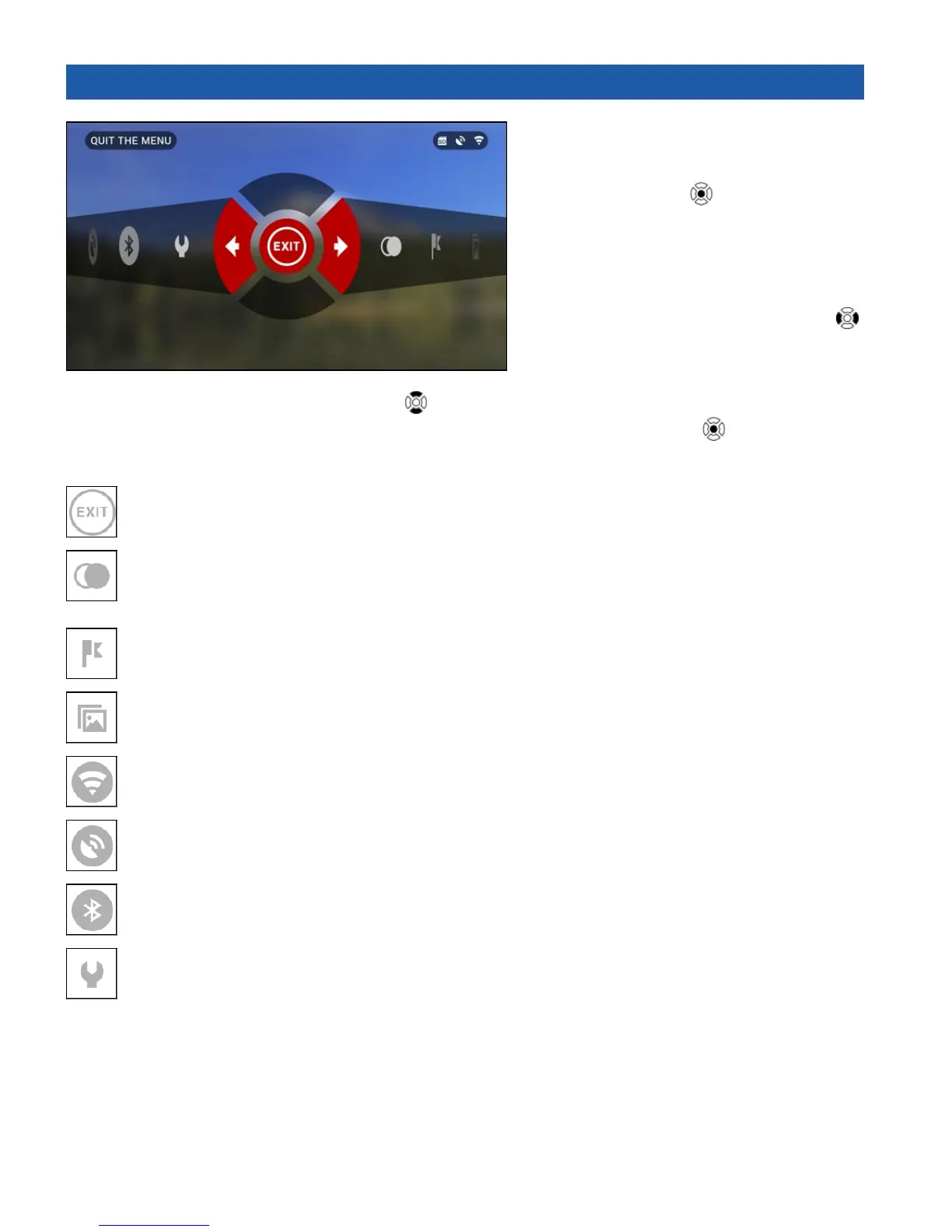
2.03. SHORTCUT CAROUSEL
The Carousel is your access to a
number of Shortcuts that allows you quick
access to additional features. Just click on
the CENTER button from Homescreen
to access the Carousel.
Buttons highlighted in Red are the only
ones that activate a particular shortcut.
Movement between the items is carried
out using the LEFT & RIGHT buttons
,
except the group of ON/OFF switches
(WiFi, GPS, Bluetooth).
You should use the UP & DOWN
buttons to switch modes.
To turn ON or OFF a particular switch you should click the CENTER button
while having the
switch selected. Example — WiFi.
EXIT
Exit Carousel.
NIGHT MODE
Switch between Day and Night Mode.
Options such as color palette and other settings for Night Mode can be changed in the System Menu.
RANGEFINDER
Activates Smart Rangefinder feature.
GALLERY
Gives you access to the library of Images and Videos that are stored on your unit’s SD Card.
WiFi module.
GPS module.
BLUETOOTH module
SYSTEM MENU
Allows for access to various system options and adjustments.



 To Next Page