1-5
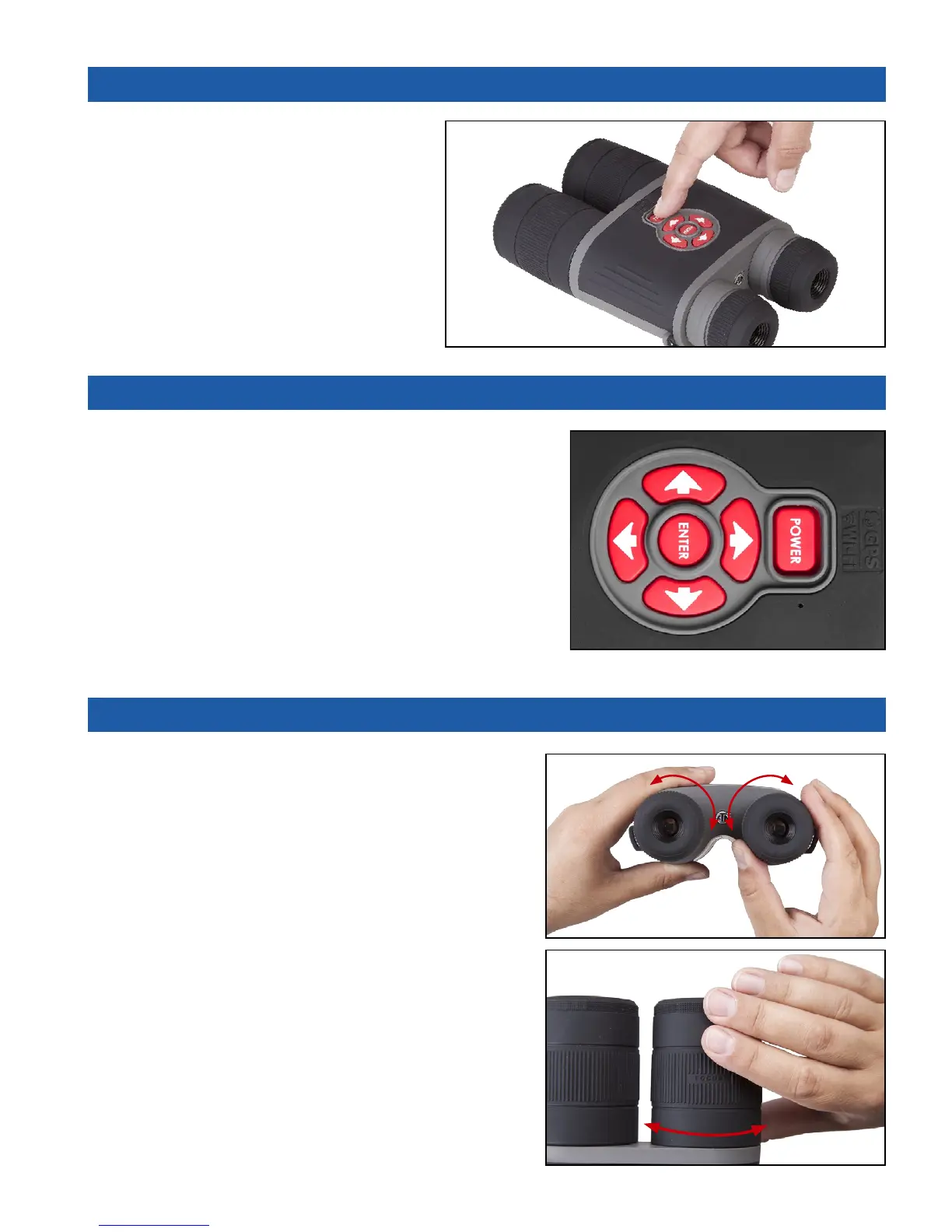
1.05.ON / OFF
To TURN ON the device press and hold
the POWER button until you see the ATN
splash screen.
To TURN OFF the device press and
hold the POWER button, until the dialog
box “Shut down the device?” appears.
Choose “Yes” to turn off.
1.06. USING KEYPAD
The KEYPAD is programmed to be used in two different
ways:
• Short and Quick Taps — used for most functions
and to get around the menu;
• Press and Hold — designed to be used in the fol-
lowing situations — ON/OFF, ZOOM, SHORTCUT
MENU.
NOTE
Using LEFT or RIGHT buttons in the menu, lets you
quickly Exit Shortcuts from any position.
1.07. FOCUSING
DIOPTER ADJUSTMENT
By rotating the Diopter Adjustment Ring you will
achieve optimal sharpness for your vision. Look
through the eyepiece while focusing on the interface
on the screen.
Do not take the rubber cap off the objective lens.
NOTE
You should not need to re-adjust the Diopter
Adjustment unless another user with different
vision than yourself will be using the device.



 To Next Page