3-4
BURST
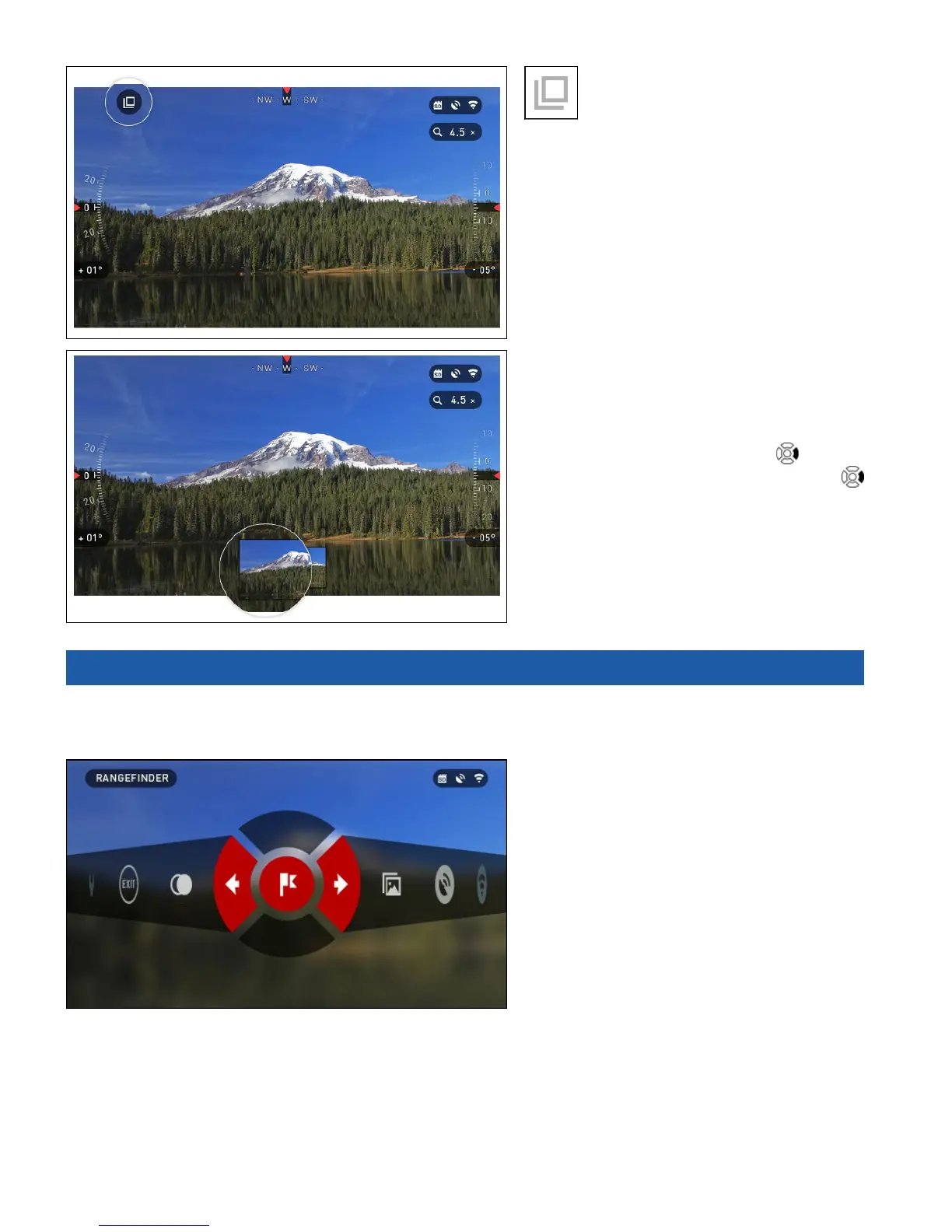
Burst mode captures a series of
photos.
You can select the best image of the group
or arrange them in a sequence to study
the transitions in detail.
The number of the photos taken can be
changed in the System Menu. While you
are in this mode, the Burst widget appears.
Regardless of which mode you are
using the preview appears after a photo-
graph is taken on the bottom of the screen
for several seconds.
If you press the RIGHT button
to Start
Video recording. Press RIGHT button
again to stop Video recording.
3.03. RANGEFINDER
Using the Smart Range Finder you will quickly be able to estimate the distance to your target as
long as you have reasonable knowledge of the size of your target.
RANGEFINDER
To use select the Flag Icon from the
Shortcut Carousel.



 To Next Page