2-3
• only numerical value (Detailed Roll
and Pitch Values)
• icons with a numerical value which
provide detailed numerical readings
• Photo Preview (appears in the
bottom of the homescreen, after the
photo is taken).
Display widgets can be disabled from
the System Menu.
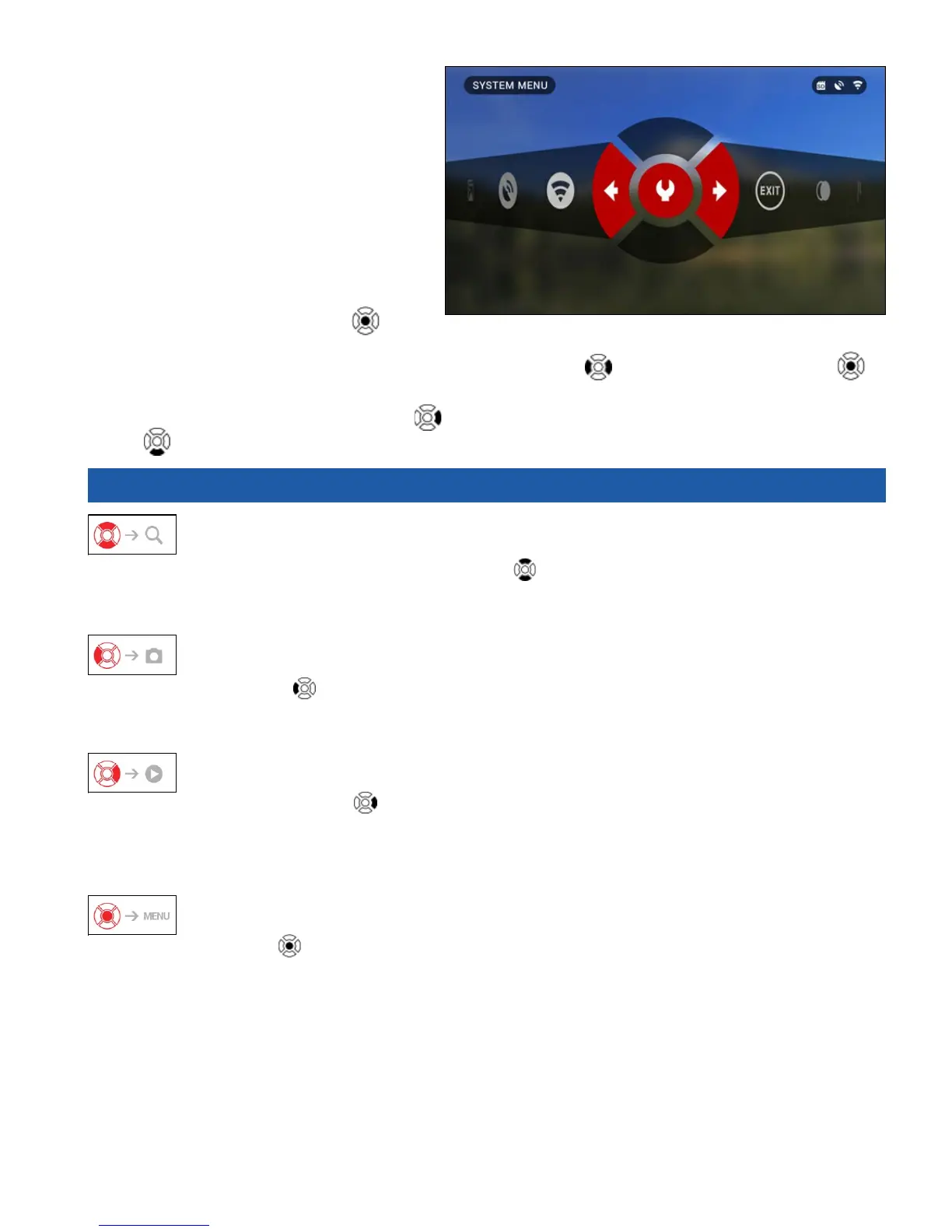
To get to the System Menu you should
click on the CENTER button
from
Homescreen and access the Shortcut Carousel.
Then select the wrench icon with RIGHT or LEFT buttons
and push CENTER button to
enter the menu.
Select Display tab with RIGHT button
and choose subcategory Display Widgets with DOWN
button .
2.02. MAIN OPERATIONS
ZOOM LEVEL
By pressing and holding the UP or DOWN button
on the keypad you will be able to Zoom IN
and OUT.
Current Zoom Level is displayed in the Zoom widget on the Homescreen.
TAKING PHOTOS
Press the LEFT button
to TAKE A PHOTO.
Depending on the selected mode, you will make one or several photos. You can choose from var-
ious photo modes in the System Menu.
VIDEO RECORDING
By pressing the RIGHT button
you will be able to RECORD VIDEO.
NOTE
Your recording will automatically stop when the memory card is full or the battery is out
of power.
SHORTCUT CAROUSEL
The CENTER button
opens the menu and closes it down when pressed again.



 To Next Page