1-7
1.10. COMPASS CALIBRATION
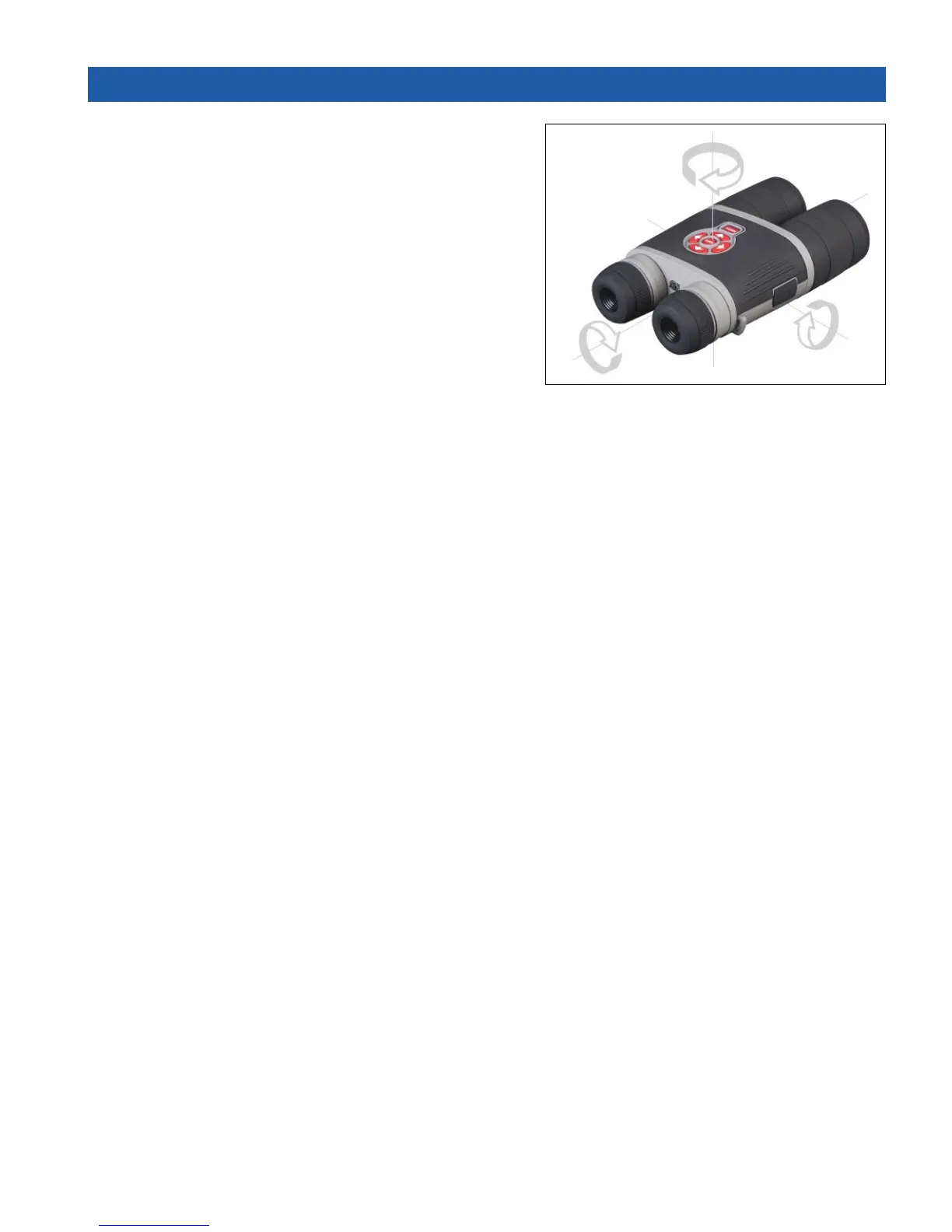
When the compass needs to be calibrated the word
“CAL” appears instead of the Compass Scale. To cal-
ibrate you should rotate the device on three axis as
illustrated.
NOTE
After calibrating the device please remember
that the compass will work best when holding
the BinoX parallel to the ground.
Other possible Errors:
• ERR — an error was detected (you may need to
restart the device or recalibrate the compass);
• SMF — your device is under Strong Magnetic Field (please, move away from the Magnetic
Field);
• UPD — your firmware needs to be updated.



 To Next Page