2-6
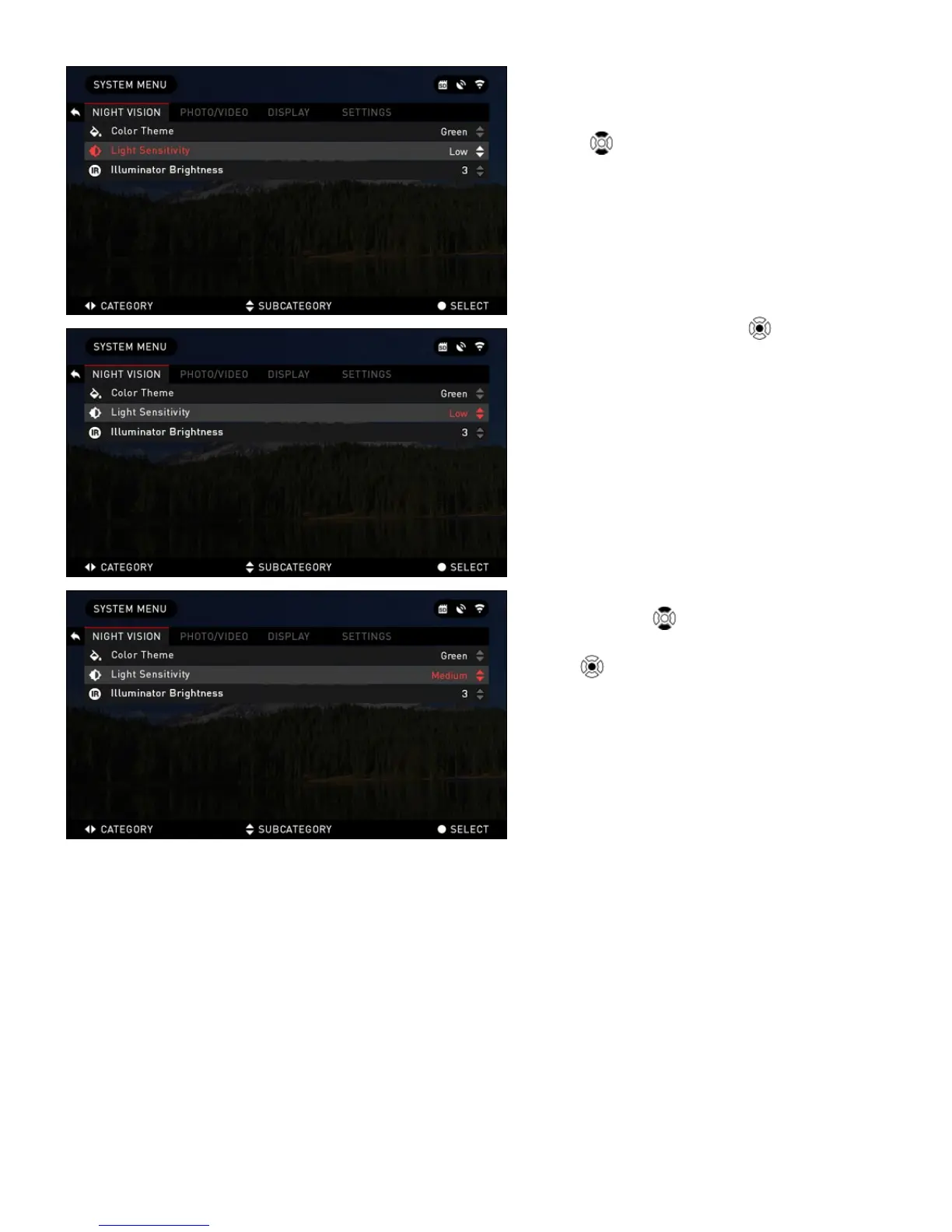
To change a particular value you should
follow the next few steps. Select the sub-
category you need with the UP or DOWN
buttons
.
Press the Center button
to select a
particular value (once selected it will turn
red).
Change the value with the UP and
DOWN buttons
.
To select a new value press CENTER
button
to confirm the change.



 To Next Page