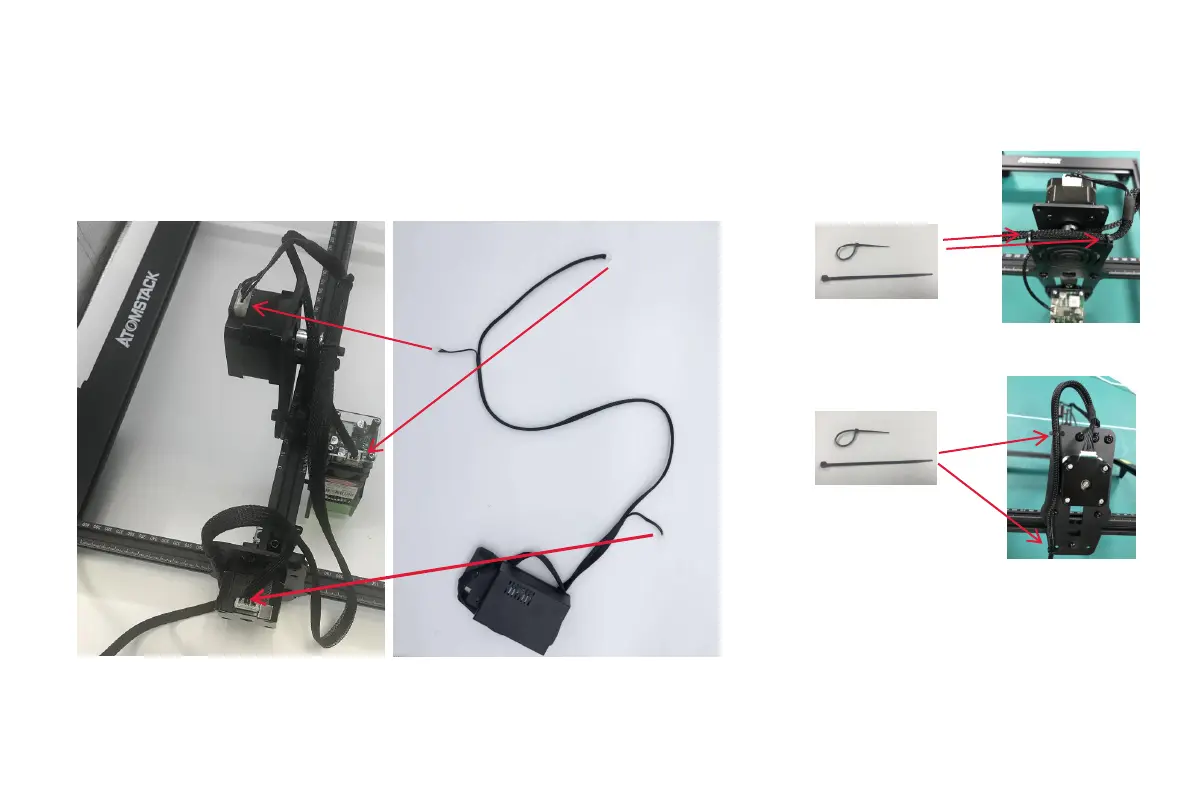
S t e p 6 I n s t a l l a t i o n o f t e r m i n a l
b l o c k s a n d c a b l e b u n d l e
Installation Manual:
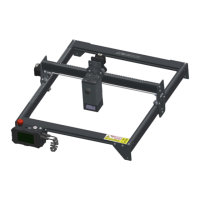
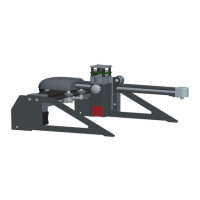
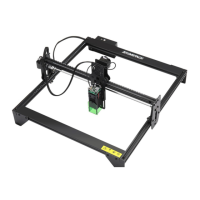
1. Insert the three wire terminals as shown
2. As shown in the figure, tie the machine
fixing hole and the cable bundle with a cable
tie to prevent the wire terminal from
loosening.
1
2



 To Next Page