Shenzhen AtomStack Technologies Co., Ltd. support@atomstack3d.com
Directory
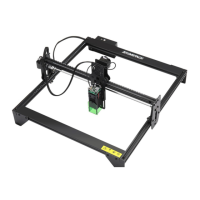
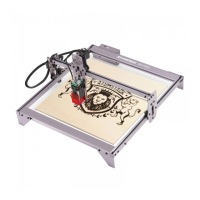
Befon A5 PRO+
............................................................................................................
1
0. Security Statement
.................................................................................................
3
0. 1 Laser safety............................................................................................................................ 3
0.2 Fire safety.................................................................................................................................3
0.3 Material safety......................................................................................................................... 4
0.4 Use Safety................................................................................................................................4
0.5 Power safety................................................................................................................4
1. Disclaimer and warning.............................................................................................5
2. Befon A5 PRO+ Engraver Introduction................................................................6
3. Software installation and use
.................................................................................
7
3.1 LaserGRBL Software Installation and Use
.........................................................................
7
1. Downloading software
..............................................................................................................
7
2. installing LaerGRBL
..................................................................................................................
8
3. Adding custom buttons:
.........................................................................................................
8
4. connect laser engraving machine.........................................................................................10
5. Setting Engraving Parameters..............................................................................................12
6. Laser focus adjustment.............................................................................................................. 14
7. Positioning
................................................................................................................................
15
8. Start, Termination carving or cutting
....................................................................................
20
3.2 LightBurn Installation Tutorial
.............................................................................................
20
4. Techniques for using machines
..........................................................................
25
5. Common materials and recommended engraving and cutting parameters26
6. Common Problems Possible Causes Treatment
............................................
27



 To Next Page