22
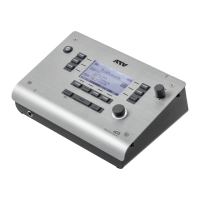
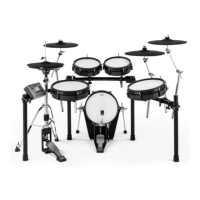
1 xD3 Drum Sound Instrument
Power On / O
Turning the power on
1
Lower the volume of the connected amp or speakers.
2
Turn on the power of the hi-hat.
The indicator under the hi-hat turns on.
3
Long-press the power button of the xD3.
The power turns on.
Turning the power o
1
Lower the volume of the connected amp or speakers.
2
Long-press the power button of the xD3.
The power turns o.
All settings are saved.
*Disconnecting the AC adapter without turning o the power will cause malfunctions. You must turn o the
power by pressing the power button.
3
Turn o the power of the hi-hat.
Turning the power o automatically (auto power-o)
If the xD3 has not been played or operated for 30 minutes, it automatically turns o the power in
order to conserve electricity. You can disable this function.
For details, refer to p.33.
*The power of the hi-hat is not automatically turned o.
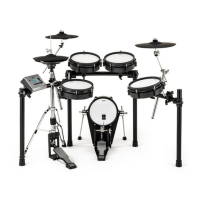
Power switch of hi-hat
On< >O
AUDIO IN
USB
SD CARD
DC IN
2
1
AUX
ATV LINK
MULTI TRIGGER
TRIGGER INPUT
R OUTPUT L
L R
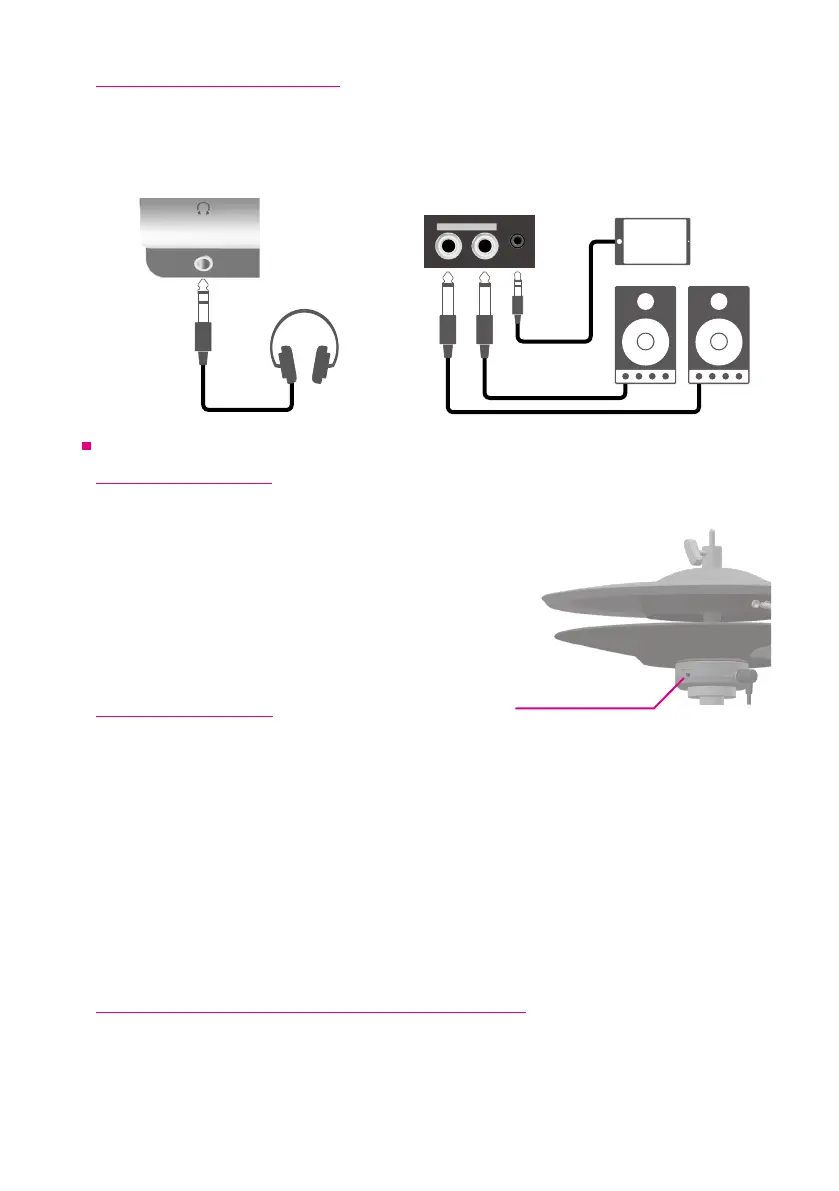
Stereo 1/4” jack
for headphones
Mono 1/4” jack outputs
Stereo 3.5mm
mini jack
Connecting Audio Equipment
In order to hear sounds generated by the xD3, one of the following (commercially available items)
is required.
• Headphones, powered speakers, etc.
• You can play along with your own songs and loops by connecting your computer/tablet
headphone output to the xD3’s AUDIO IN jack.


 To Next Page