32
3 Menu Functions and Settings
INST LEVEL (Adjusting the volume of each pad)
You can adjust the volume of each pad for each kit.
1
Hit a pad that you wish to select and adjust the volume
level for the pad’s sound.
2
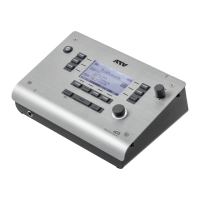
Use the value knob to adjust the volume level.
3
Repeat steps 1 and 2.
*The settings for pad sound volume levels are stored for each kit.


 To Next Page