24
2 Performing
Changing the Drum Kit
1
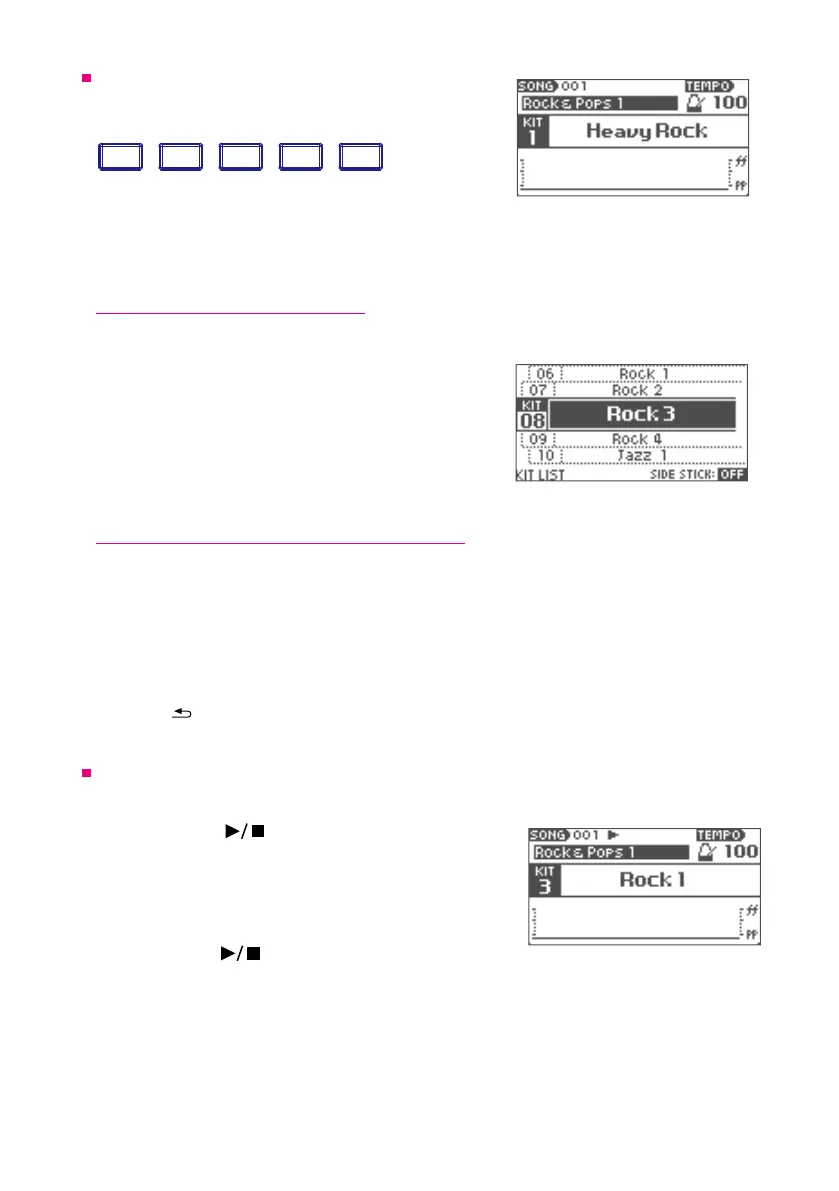
Press one of drum kit buttons [1]—[5].
VOLUMESONG
HOME
HOME
TRACK
CLICK
HOME
HOME
CLICK
CLICK
CLICK
HOME
HOME
MENU
VARIATION
SONG
1 2 3 4 5
ENTER
MENU
–––––––––––––––––––––––––– DRUM KIT ––––––––––––––––––––––––––
1 2 3 4 5
The drum kit saved for each button is loaded.
*It takes several seconds to load the drum kit.
2
When the drum kit name is displayed,you can start playing.
Selecting a drum kit from the list
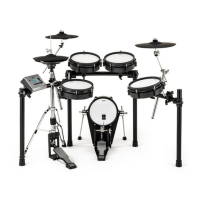
You can select a drum kit to load other than those already assigned to buttons [1]—[5].
1
Press the [LIST] button.
The list of drum kits will be displayed.
2
Select the drum kit with the value knob.
3
Press the [ENTER] button.
The selected drum kit will be loaded.
Playing the side stick (cross stick) technique
You can play the side stick (cross stick) technique on the snare drum.
1
Press the [LIST] button.
The list of drum kits is displayed.
2
Press [5] (SIDE STICK) to set it to "ON".
If you do not want to trigger a side stick sound, set it to "OFF".
3
Press the[
VOLUMESONG
HOME
HOME
TRACK
CLICK
HOME
HOME
CLICK
CLICK
CLICK
HOME
HOME
MENU
VARIATION
SONG
1 2 3 4 5
ENTER
MENU
–––––––––––––––––––––––––– DRUM KIT ––––––––––––––––––––––––––
1 2 3 4 5
ENTER
LIST
HOME
MENU
]button to return to the home screen.
Song Playback
*To play a song, you need to insert the provided SD card.
1
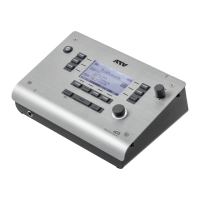
Press the SONG [ ]button.
The song will be played.
2
Turn the value knob to select your favorite song.
The song name will be displayed.
3
Press the SONG[ ]button again to stop.
• If you press the metronome button in advance, the metronome will play along with the selected
song.
• You can also load and play songs in .wav le format (See p.29)
.
• Use the song screen (p.27) to adjust the song’s volume and access other functions controlling
song playback.
*You can not change the tempo of the song.


 To Next Page