29
3 Menu Functions and Settings
Playing audio les (.wav)
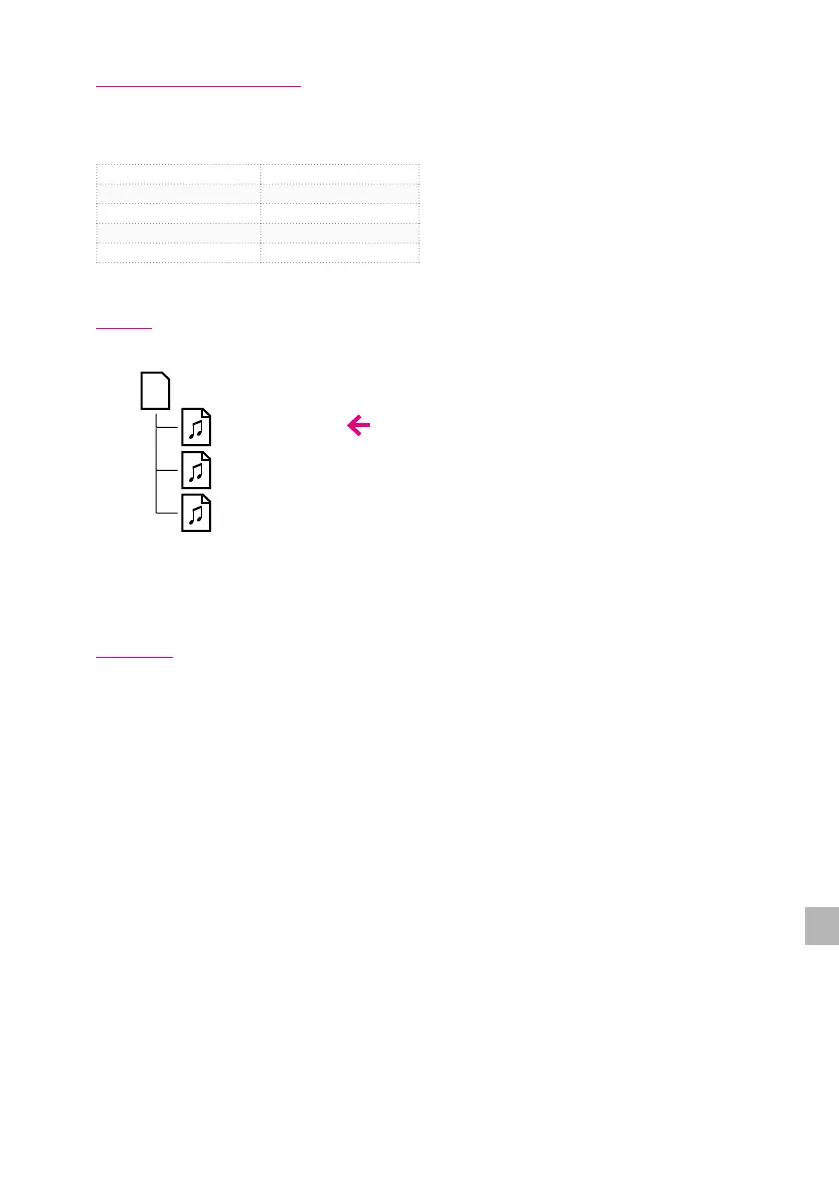
You can copy your own .wav les onto the SD card and play them as a song.
Supported Format
File Type Windows Wave (RIFF)
Filename Extension wav, WAV
Sampling Frequency 48 kHz
Bit Depth 16 bits
File Size Up to 2 GB
Set-up
Copy the wav le to the SD card root folder.
*You can store and access up to 100 wav les.
*.wav les that are placed inside folders are not recognized.
*The system does not support le names with 2-byte characters.
Playback
Select the wav le by following the instructions “Selecting a song and play / stop” (p.27) and
then play it.
SD Card
My Song 1.wav
My Song 2.wav
My Song 3.wav


 To Next Page