10 / 22
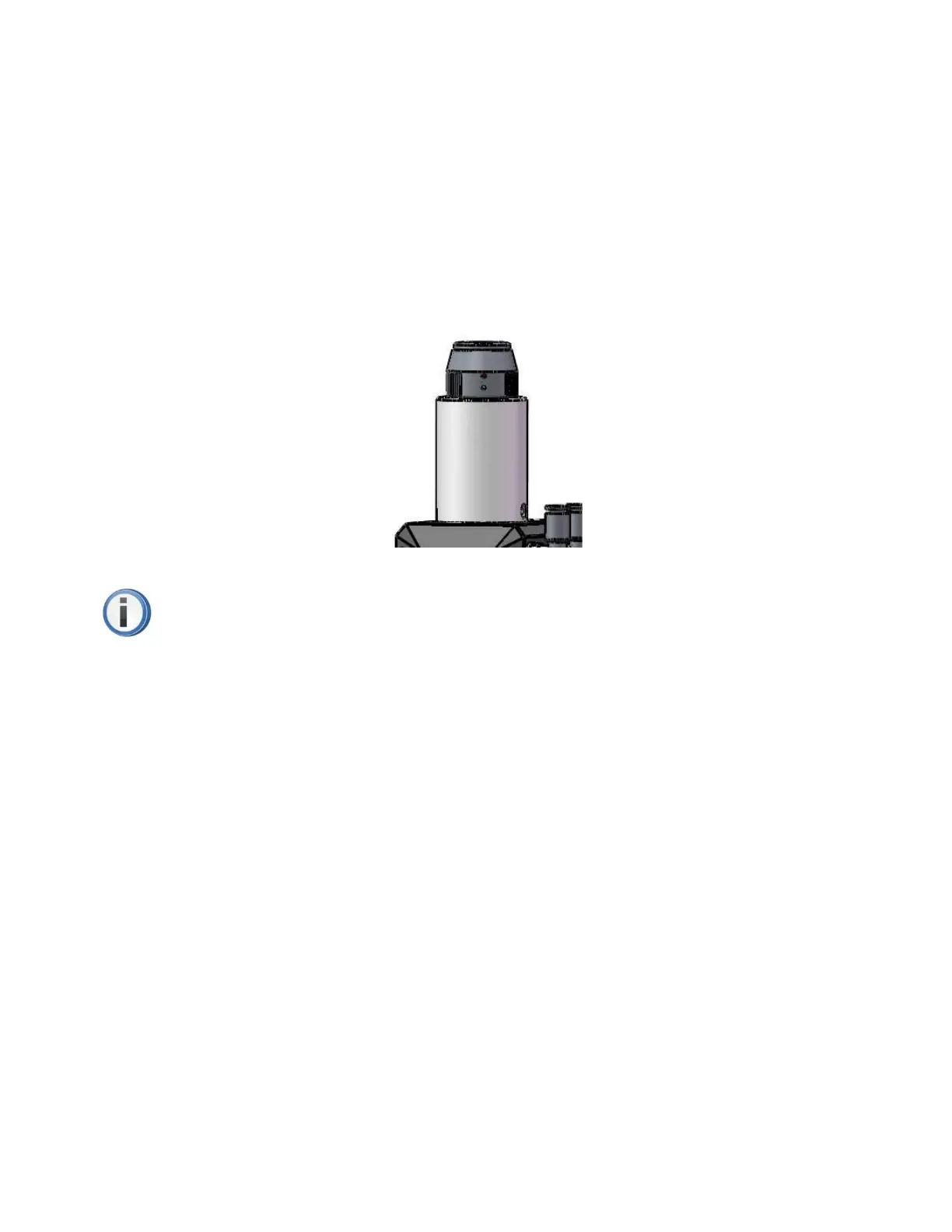
Fiber socket
A230E electric fiber laser cutting head can be matched with multi types of industrial laser source,
it has collimate unit. The connected part between the end of optical fiber and cutting head was called
QBH connector. The standard fiber socket of A230E electric fiber laser cutting head is QBH connector.
(Figure 6)
Figure 6. QBH connector of A230E electric fiber laser cutting head.
PS: All optical parts must be kept absolutely clean before using the cutting head. Please
make sure the cutting head has been placed in horizon before installing the fiber in order to
avoid the dust entering inside. Once all has been done, then start to fix the cutting head.
The insertion and locking of QBH fiber
Firstly, please let the red point of QBH fiber align with the marking red point of QBH socket;
secondly, take out of the dust cover, and once the red point of QBH fiber aligned the marking red point
of QBH socket, please insert the fiber into the bottom; thirdly, rotate the QBH hand wheel in clockwise
until a “Tack” sound came out, then pull the hand wheel up; at last, rotate the QBH hand wheel in
clockwise again until the end. (Figure 7)



 To Next Page