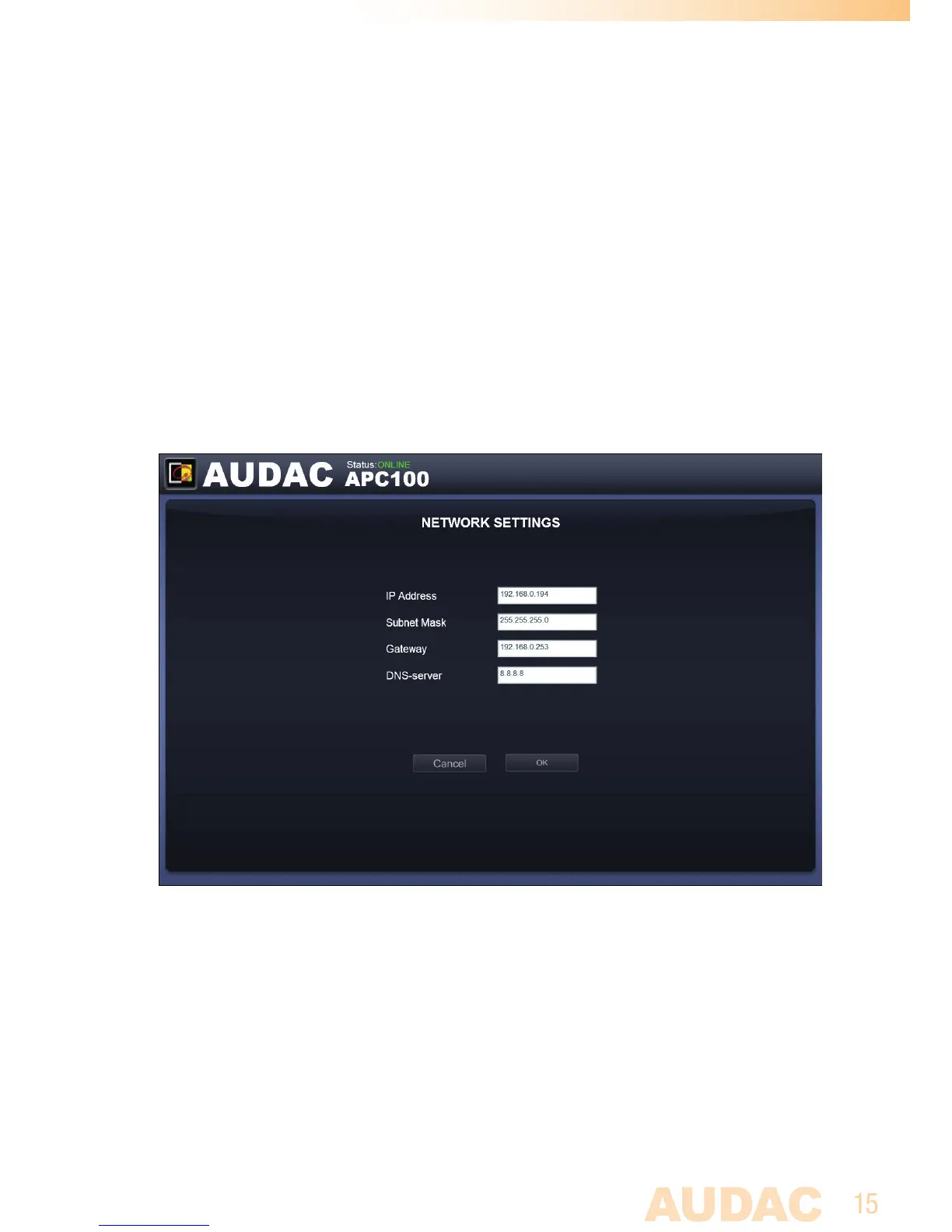
Network Settings
In this window, the network settings of the APC100 can be adjusted. The IP address is
default set to 192.168.0.194 and the subnetmask is default set to 255.255.255.0.
The settings can be changed by adjusting the parameters in the shown fields.
To confirm the settings, press the OK button. The changed settings will take effect
immediately.
For more information about network connections and settings, see IP basics in
Chapter 5.
Network settings screen for APC100


 To Next Page