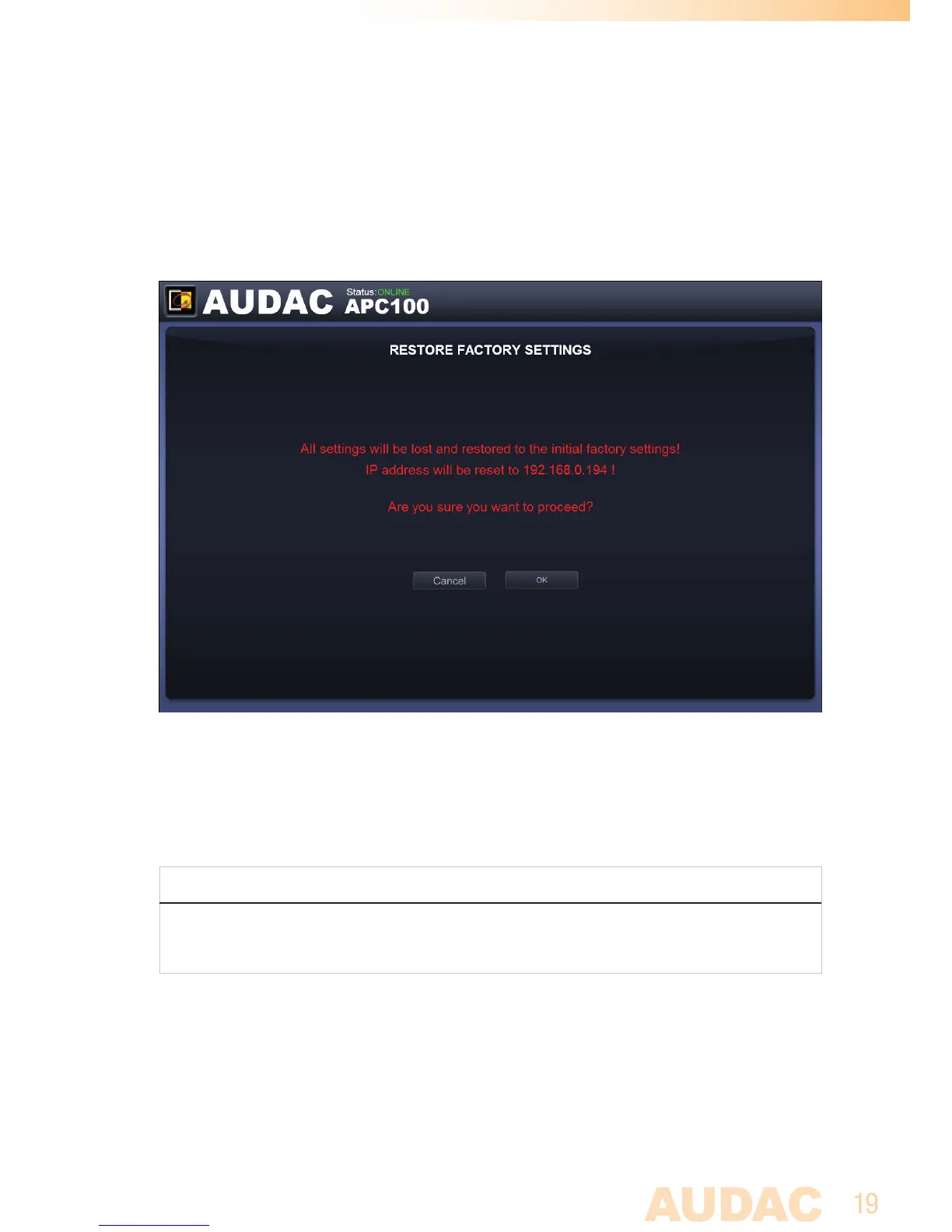
Factory Settings
In the factory settings menu, all settings of the APC100 will be set to factory default.
It does not recall the previously saved settings, but will recall the original factory
settings and all previously made settings will be lost.
Factory settings screen for APC100
When clicking the ‘Factory Settings’ button, a warning window will appear. If you
proceed by clicking the ‘OK’ button, all settings will be returned to factory default
values.
ATTENTION
BE CAREFULL to press this button. All original factory settings will be recalled and
all custom settings will be lost.


 To Next Page