33
COMMUNICATION LINK
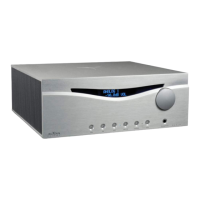
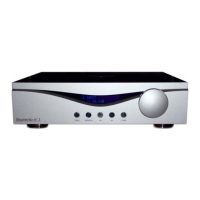
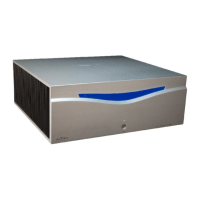
Having several AUDIA units, you can connect them among each others (provided the
corresponding communication port), allowing the synchronized lightning of the working light,
beside to the transmission of service data among the units.
In order to do that you have to insert the provided digital connection cable in one of the two
proper terminals located on the back of the unit (see part 19, page 47); analogously the other
end of the cable must be inserted in the other unit.
NOTICE: for a proper working of the system, it is necessary to perform the link connections with
all units turned off. Moreover, please see the chapter “ADVANCED FUNCTIONS”, section “set
link” at page 38).
NEVER employ the supplied link cable for other purposes; NEVER use it to connect to or
among units different from Audia
CAUTION


 To Next Page