- 9 -
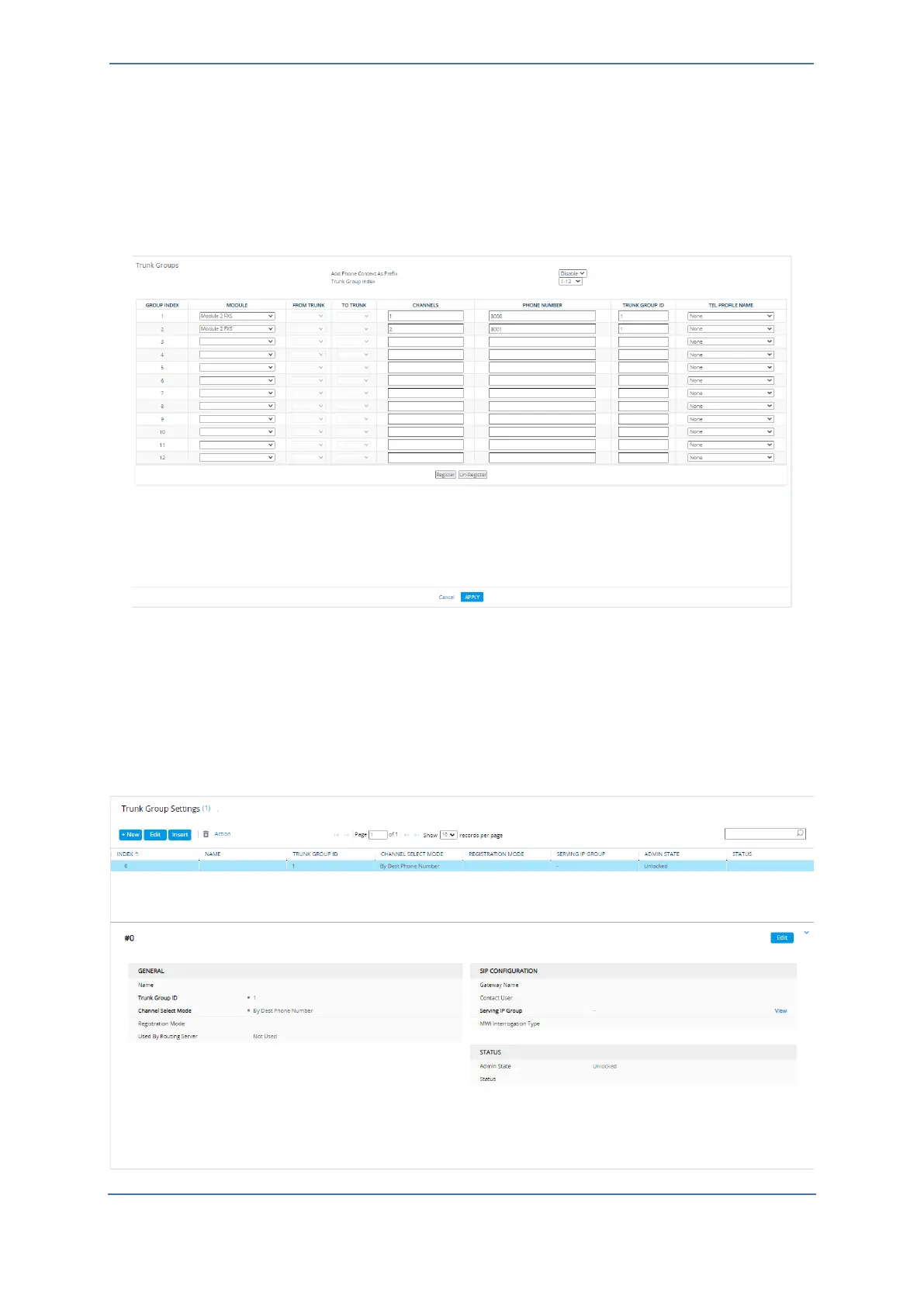
3.2.2 Configuring FXS Ports (Trunk Groups)
This section describes how to configure (enable) the FXS ports used by the Voice Gateway.
To configure FXS ports (Trunk Groups):
◼ Open the Trunk Groups page (Setup menu > Signaling & Media tab > Gateway folder >
Trunks & Groups folder > Trunk Groups).
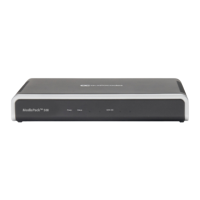
3.2.3 Configuring Trunk Group Settings
This section describes how to configure various settings for the FXS endpoints (Trunk Group).
To configure Trunk Group Settings:
◼ Open the Trunk Group Settings page (Setup menu > Signaling & Media tab > Gateway folder
> Trunks & Groups folder > Trunk Group Settings).









 To Next Page