MP-5xx Analog VoIP Gateway
- 4 -
1 Introduction
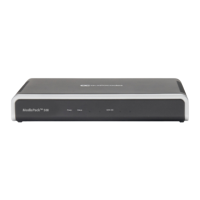
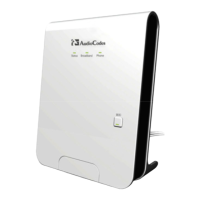
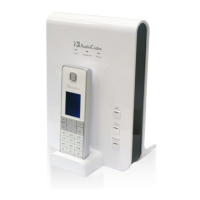
Welcome to AudioCodes MediaPack 5xx (MP-5xx) analog voice gateway series (hereafter, referred
to as device).
2 Getting Started with Initial Connectivity
This section describes how to initially access the device's management interface.
2.1 Accessing Device's Management Interface
This section describes initial access to the device's management interface.
After accessing the device through the LAN interface, you can configure Web management
access from one of the following interfaces:
◼ Any of the configured Voice Gateway LAN interfaces (default LAN interface is
192.168.0.1).
◼ WAN port interface: You need to enable remote access to the WAN port interface, as
described in Section Enabling Remote Web-based Management.
2.1.1 Connecting to the Web Interface
You can access the Web- based management interface using the device's default LAN IP address:
Table 2-1: Default LAN IP Address
By default, the device's embedded DHCP server is enabled for the LAN, and with default
IP pool addresses relating to the default subnet LAN. The DHCP server allocates this pool
of IP addresses to computers connected to its LAN interface. You can disable the DHCP
server.









 To Next Page