2. Getting Started with Initial Connectivity
MP-5xx Analog VoIP Gateway
- 5 -
2.1.2 Accessing Device through Default LAN IP Address
The following procedure describes how to initially access the device using the default LAN interface.
To access the device using the default LAN IP address:
1.
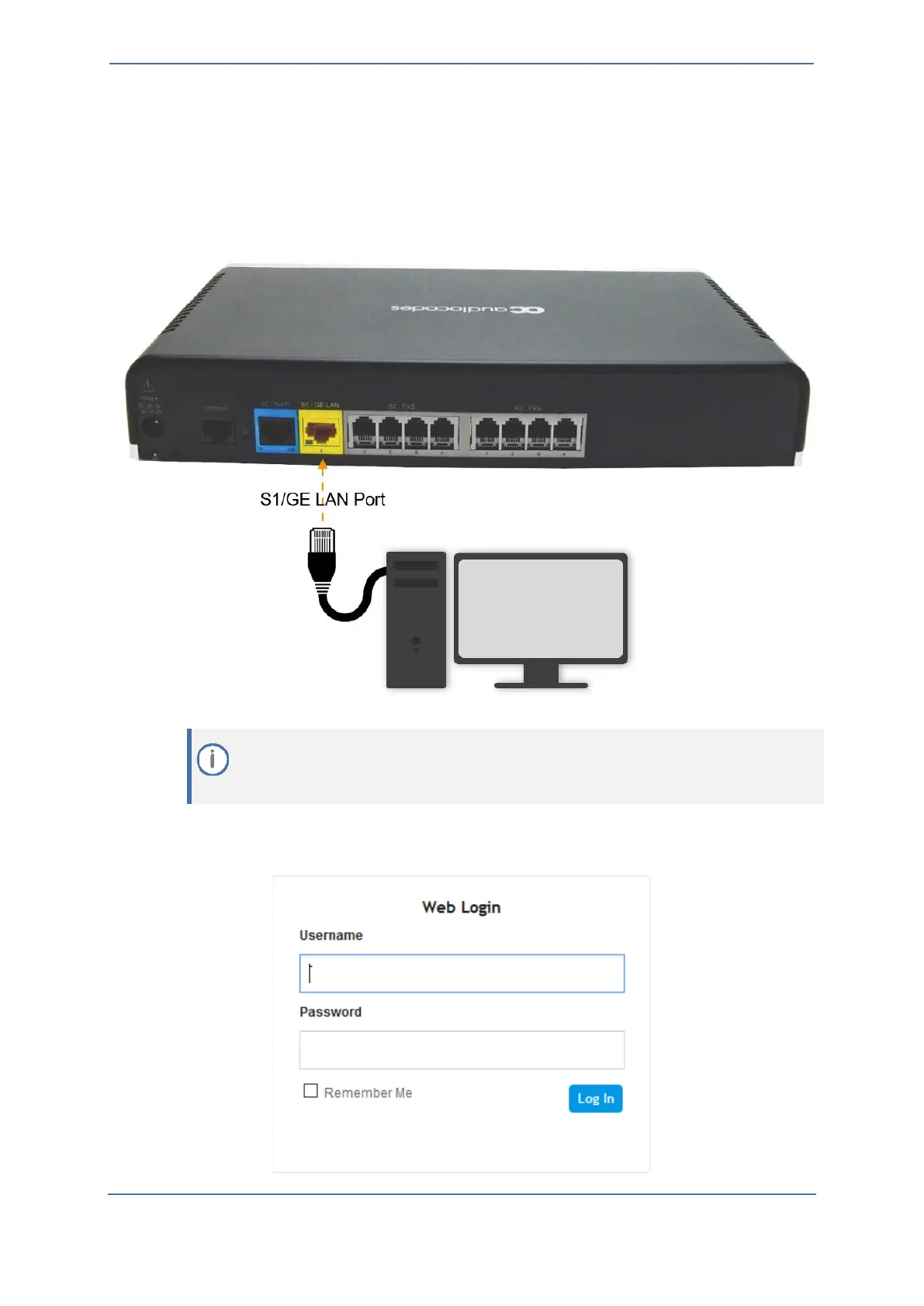
Connect the LAN Port directly to your computer's network interface using a straight-
through Ethernet cable:
Make sure that your computer is configured to automatically obtain an IP address. The
device has an embedded DHCP server, which by default, allocates IP addresses to
connected computers.
2.
On your computer, start a Web browser and in the URL address field, enter the device's
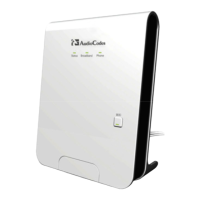
default IP address (see table above); the Web interface's Web Login screen appears:









 To Next Page