- 26 -
5.5 Connecting a USB Device
The device supports USB storage capabilities using an external USB drive (stick) connected to the
device's USB 3.0 Type-A port.
USB storage capabilities include the following:
◼ Saving network captures to USB
◼ Upgrading software firmware from USB
◼ Updating configuration from USB
◼ Saving current configuration to USB
To connect a USB storage device:
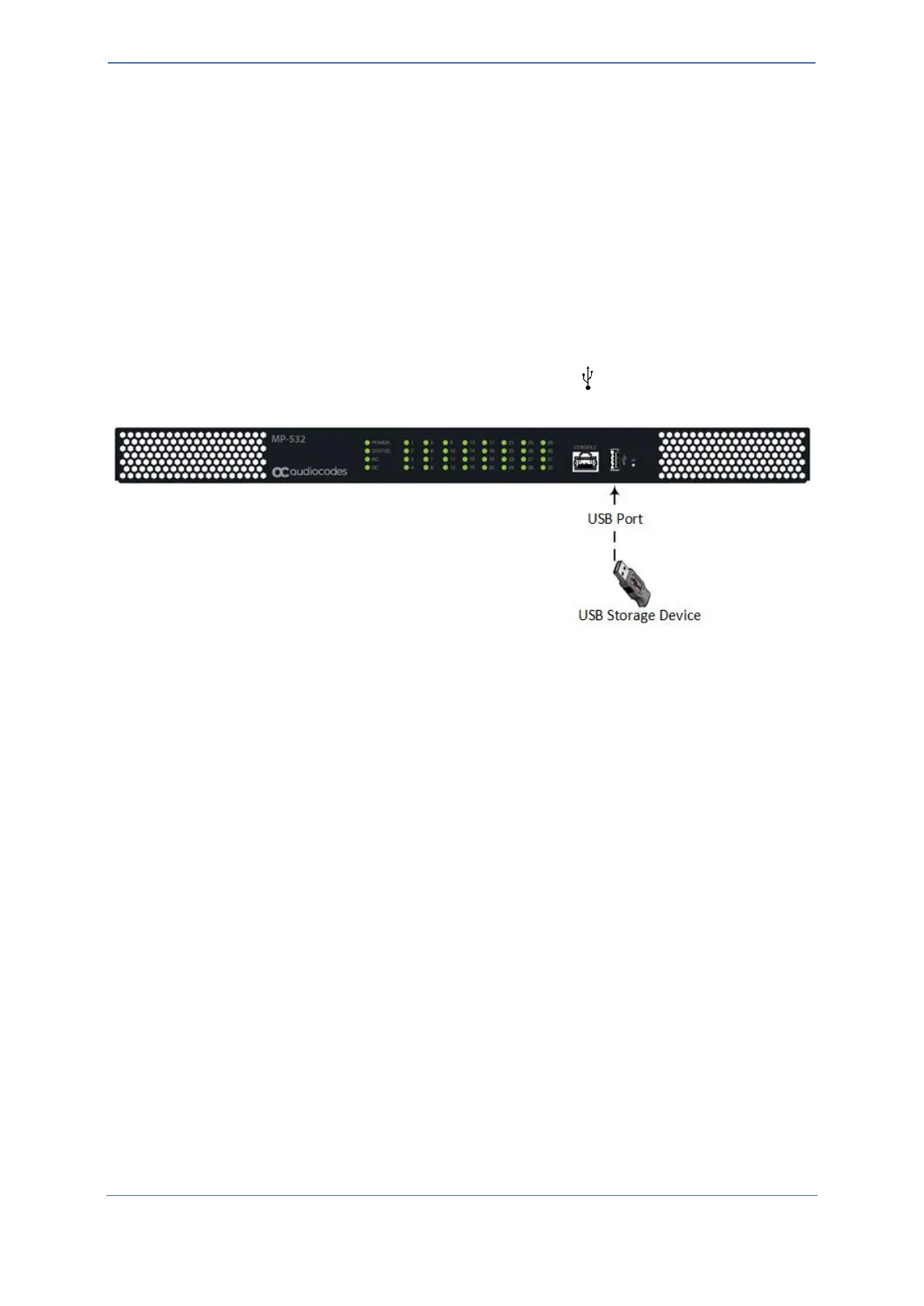
◼ Connect your USB storage device to the USB port labeled , located on the front panel.
Figure 22: Connecting USB Device










 To Next Page